...
| Page properties | ||||
|---|---|---|---|---|
|
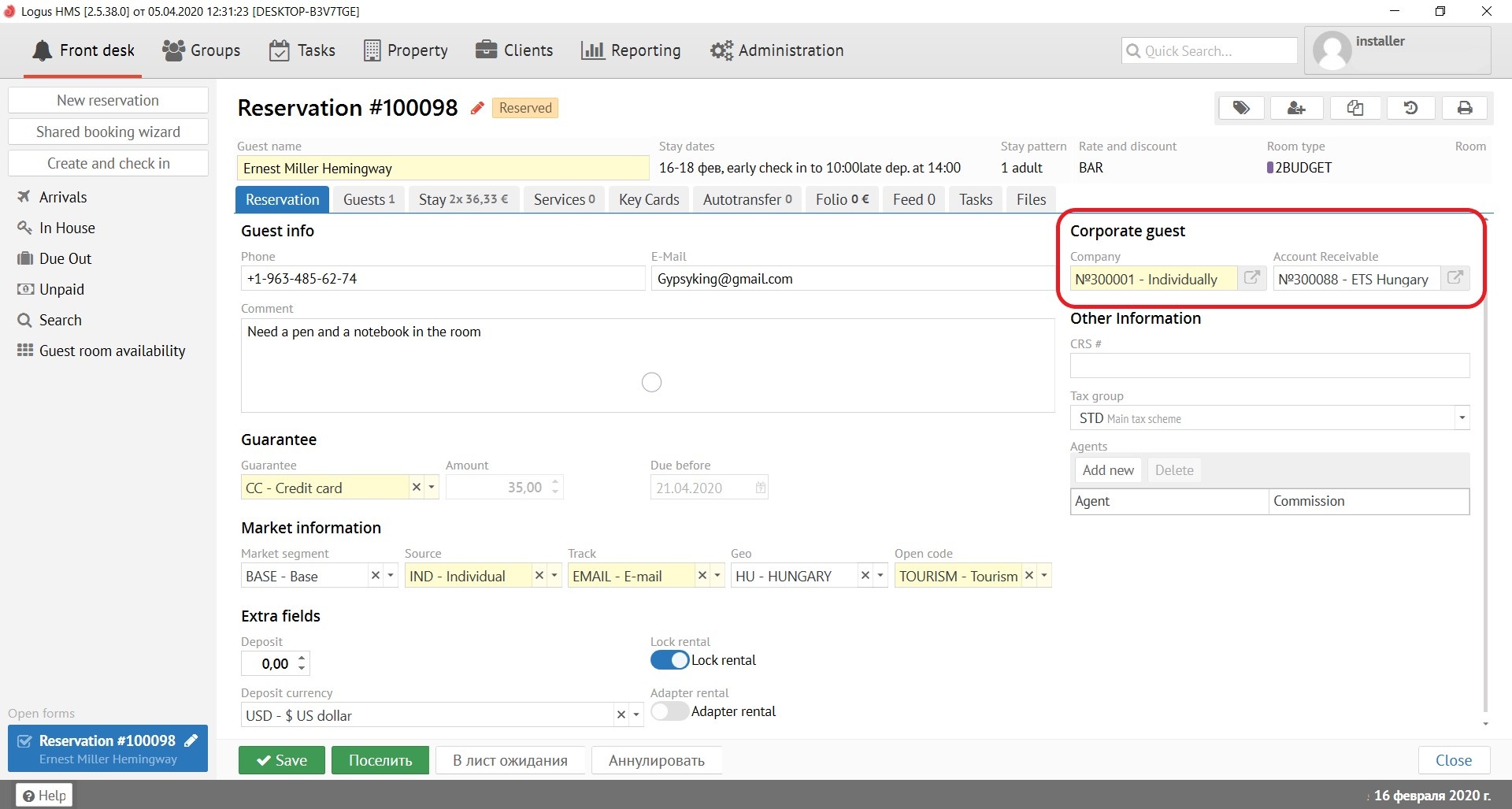
Company - the name and number of the company from which the guest arrived.
Account receivable - to be filled in only for non-cash reservations. . (Not in the Logus The Box)
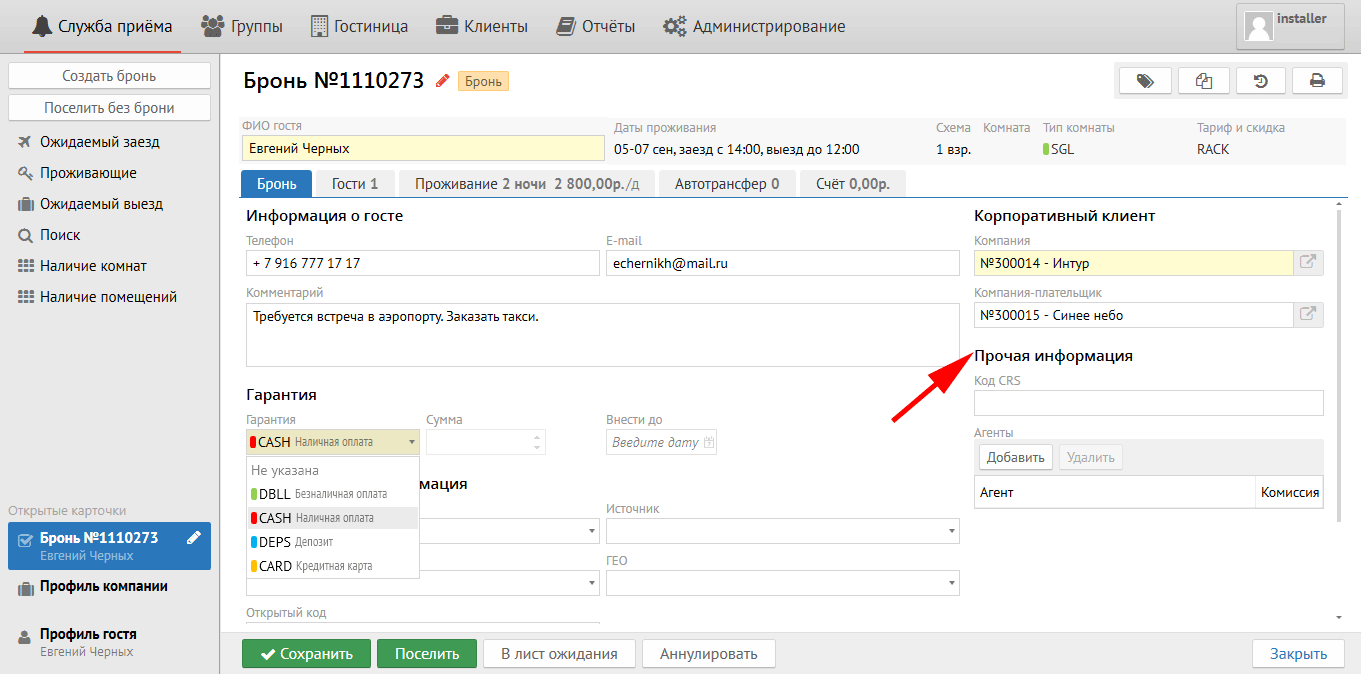
Прочая информацияOther information:
Код CRS - заполняется автоматически в бронях, которые пришли к Вам онлайн.
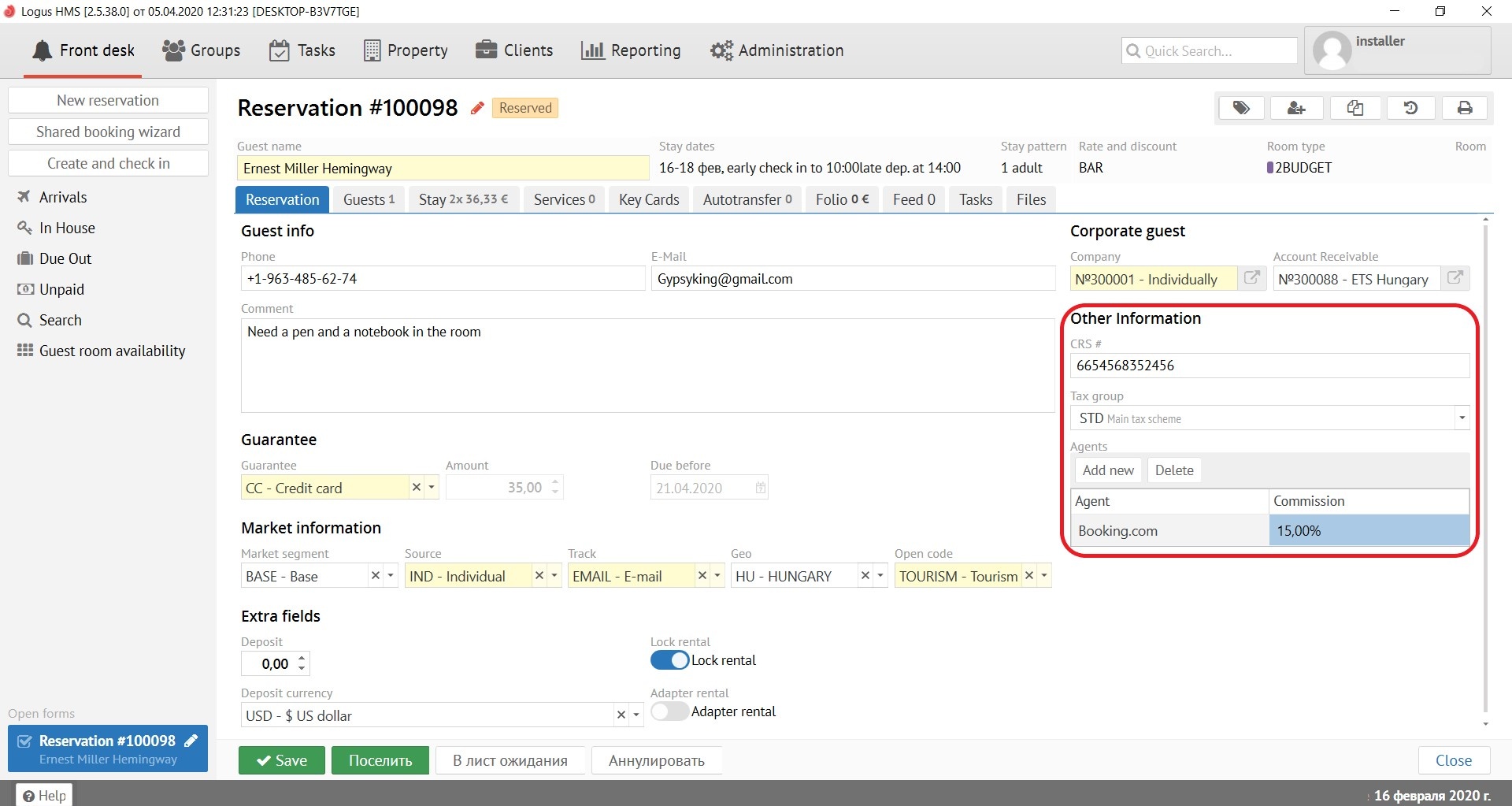
CRS # - filled in automatically in the reservation that reserve online.
Tax group - If your property has different type of taxation, choose the correct one for this reservation.
Agents - to be filled in if a commission is required for this reservation. (Not in the Агенты - заполняется в том случае, если с данной брони необходимо выплатить комиссию. (Нет в Logus The Box)
Внизу находятся несколько кнопок, которые работают в любой вкладке карточки брони:
Кнопка "Сохранить" - сохраняет все сделанные изменения в брони. Если нажать кнопку "Сохранить", удерживая SHIFT на клавиатуре, карточка бронирования не закроется автоматически.
Кнопка "Поселить" - поселяет бронь (поселить бронь можно ТОЛЬКО если дата заезда брони совпадает с датой в программе (внизу справа). В противном случае дата заезда будет изменена на текущую.
Кнопка "В лист ожидания" - переводит бронь в лист ожидания.
Кнопка "Аннулировать" - отменяет бронь (бронь невозможно аннулировать, если после поселения уже прошёл ночной аудит)
There are several buttons that work in any reservation card below:
"Save" button - saves all changes made to the reservation. If you press the "Save" button while holding SHIFT on the keyboard, the reservation card will not close automatically.
"Check-in" button - checking-in the reservation (to check in the reservation you can ONLY if the date of arrival of the reservation agree with the date in the program (bottom right). Otherwise, the date of arrival will be changed to the current one.
"To wait list" button - to transfer the reservation to the waiting list.
“Cancel” button - cancel the reservation (reservation cannot be canceled if a night audit has already passed after the check-in).
"Check-out" button - checking-out the guest (it is possible to check-out the reservation ONLY if the departure date agree with the date in the program (bottom right). Otherwise, you will be asked to adjust the length of stay.
 Кнопка "Выселить" - выселяет гостя (выселить бронь можно ТОЛЬКО если дата выезда брони совпадает с датой в программе (внизу справа). В противном случае будет предложено скорректировать сроки проживания.