...
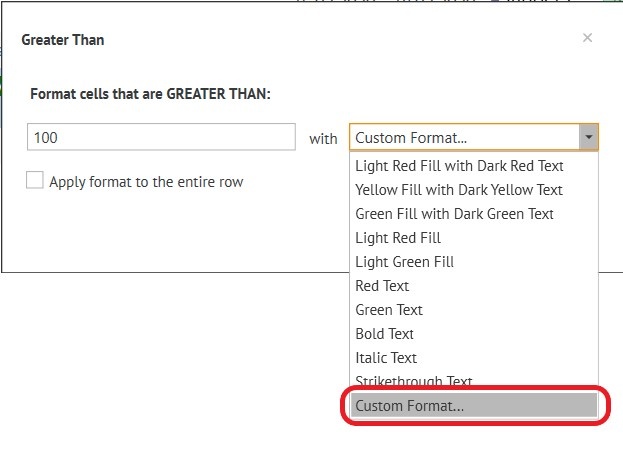
For example: on the “Balance” column, select "Greater Than"
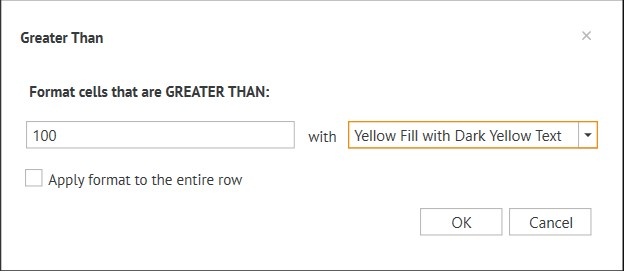
Эти параметры позволяют показывать бледно жёлтым гостя, баланс которого больше 1000 руб. :
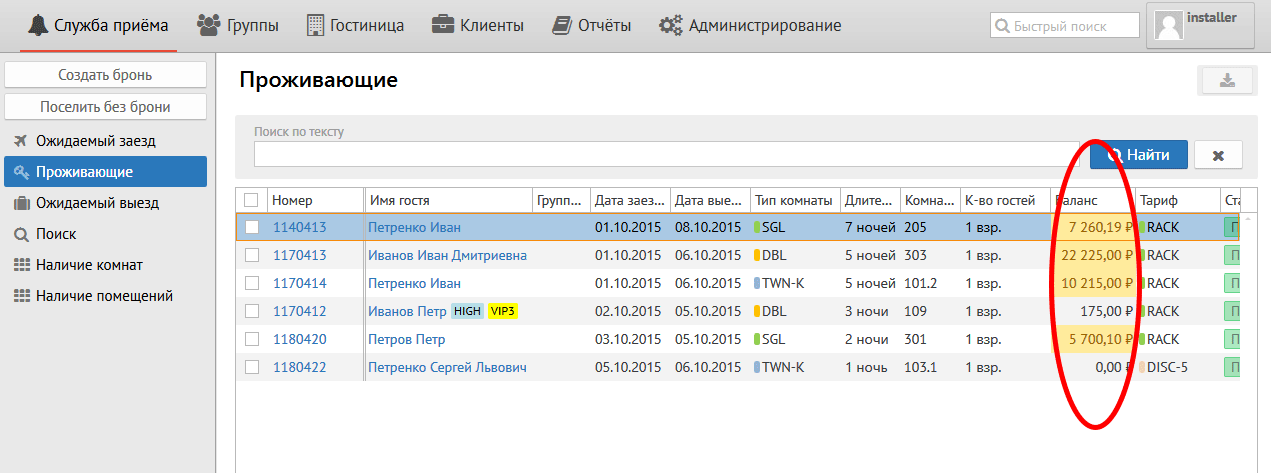
These parameters allow you to show by pale yellow colour reservations which balance is more than 100 euros :
NoteПримечание:
Apply format to the entire row - применять формат ко всей строке if you need to colour all line.

When choosing При выборе Custom Format: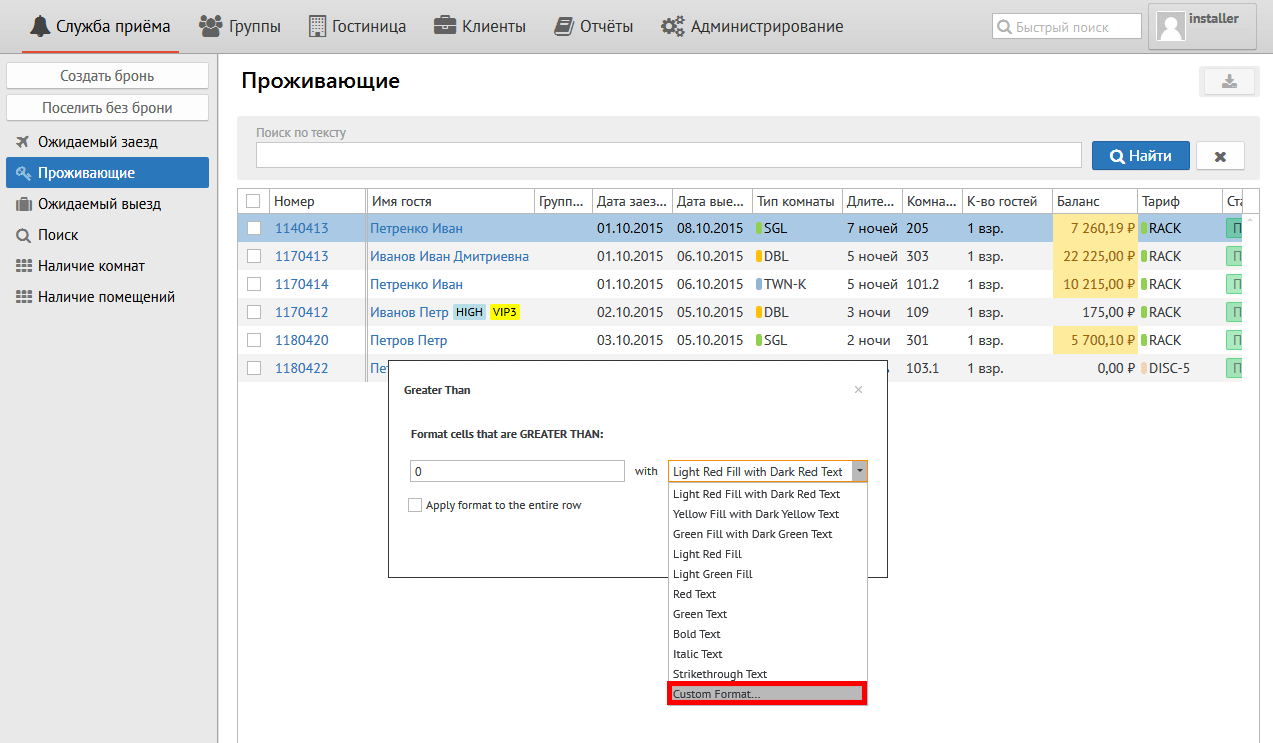
появляются вкладки:
Редактирование стиля:
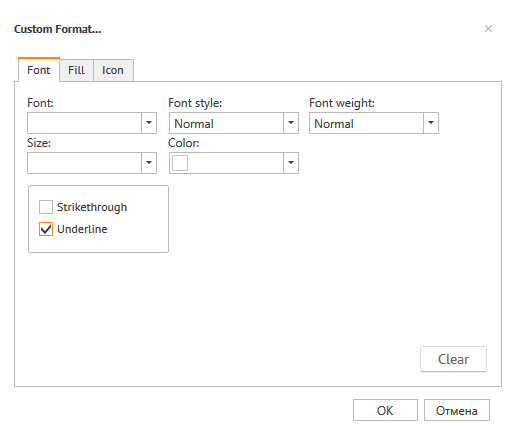
Редактирование стиля:
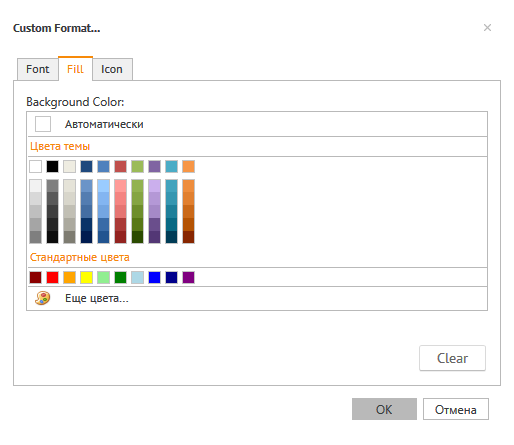
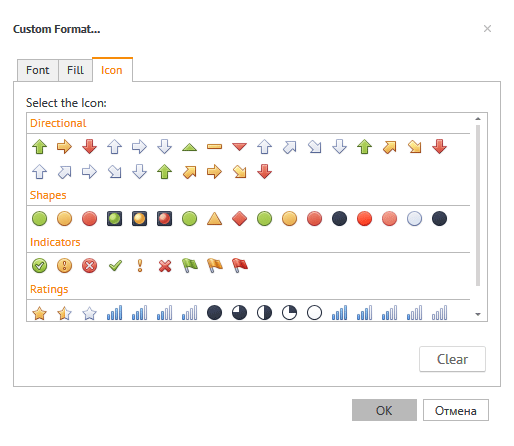
Добавление новой иконки:
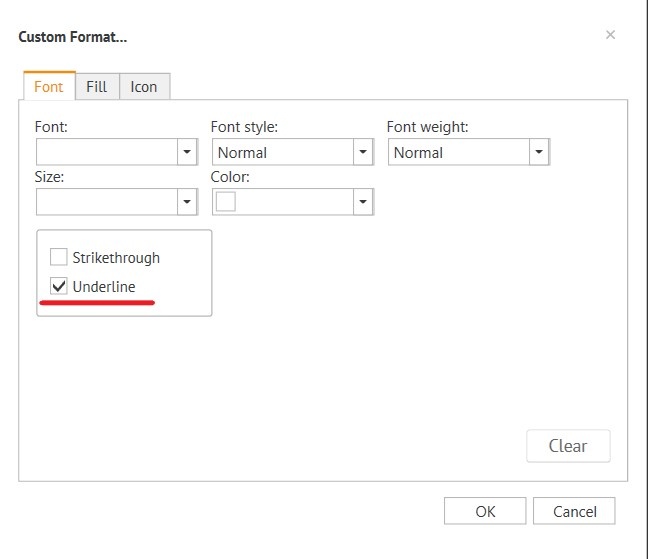
tabs appear:
Font editing:
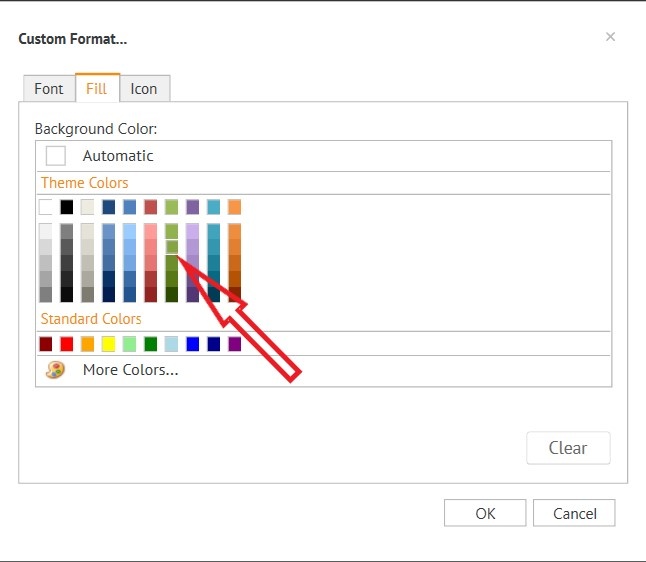
Fill editing:
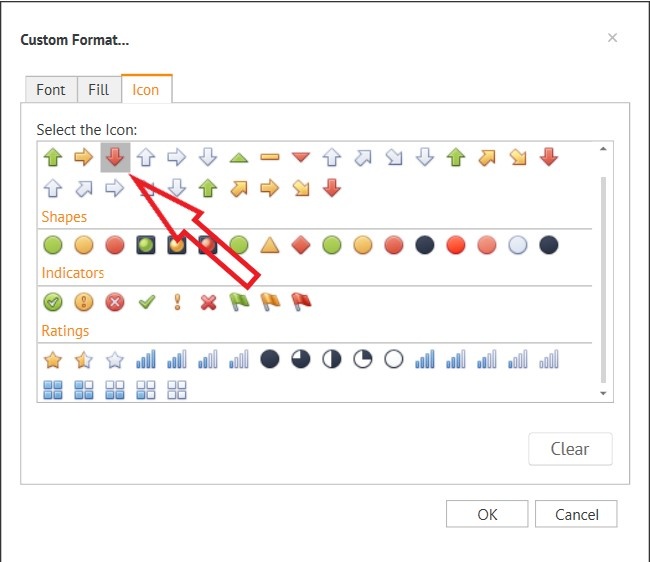
Icon editing:
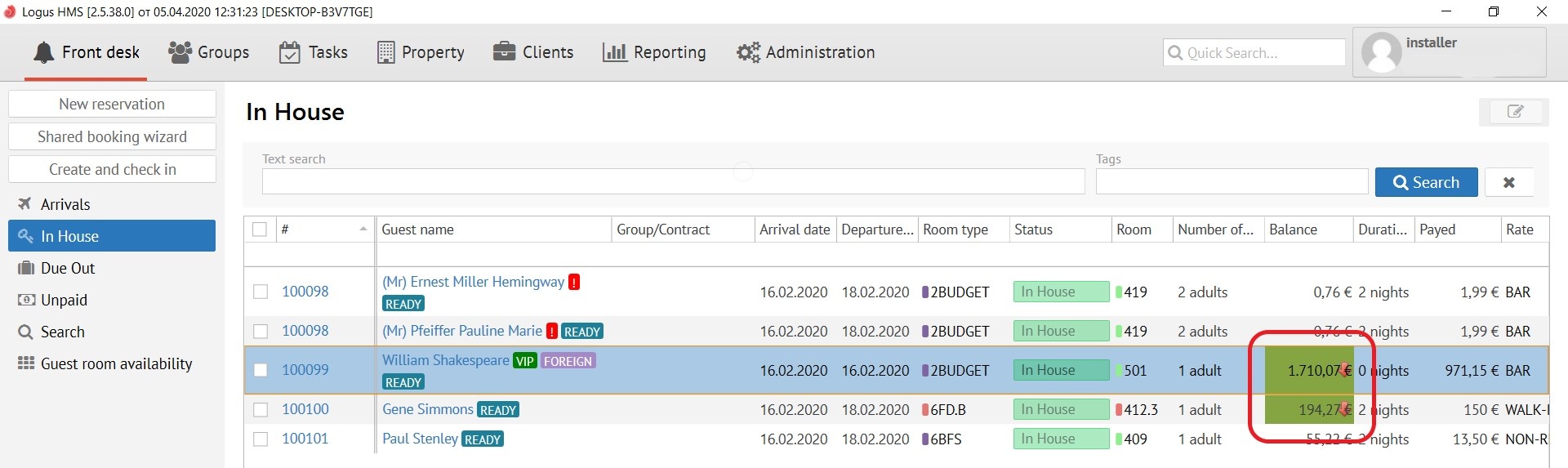
Result:
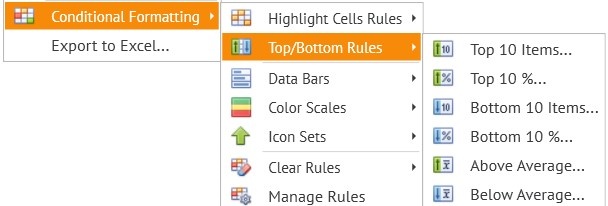
Top\Bottom Rules (рус. правила настройки высших и низших позиций спискаrules for setting the top and bottom positions of the list):
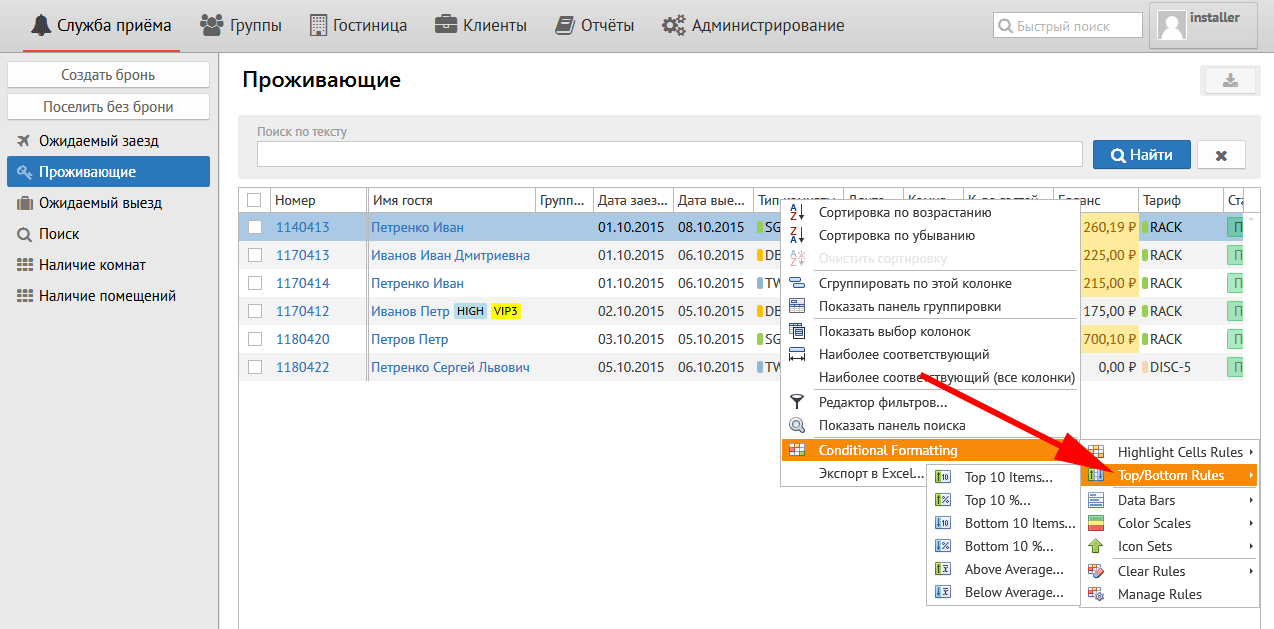
Перевод кнопок меню:
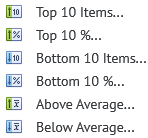
Top 10 Items - Верхние 10 пунктов
Top 10 % - Верхние 10% пунктов
Bottom 10 Items - Нижние 10 пунктов
Bottom 10 % - Нижние 10% пунктов
Above Average - Выше среднего
Below Average - Ниже среднего
Data Bars (рус. панели данных):
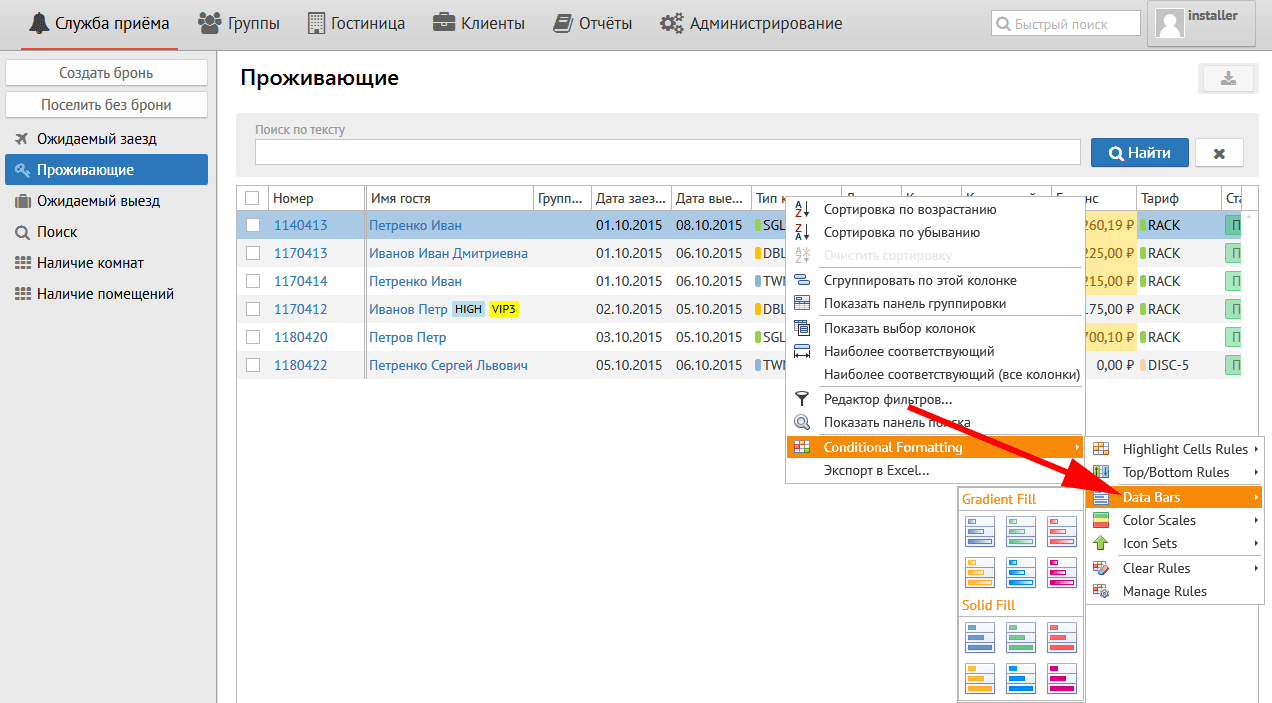
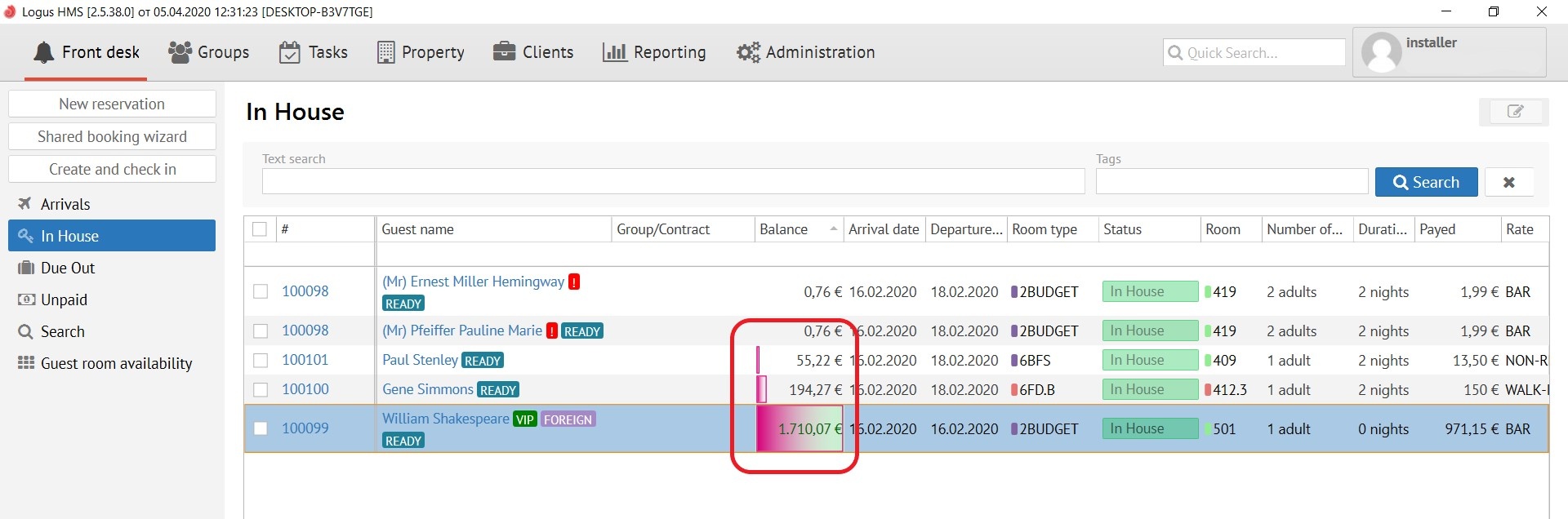
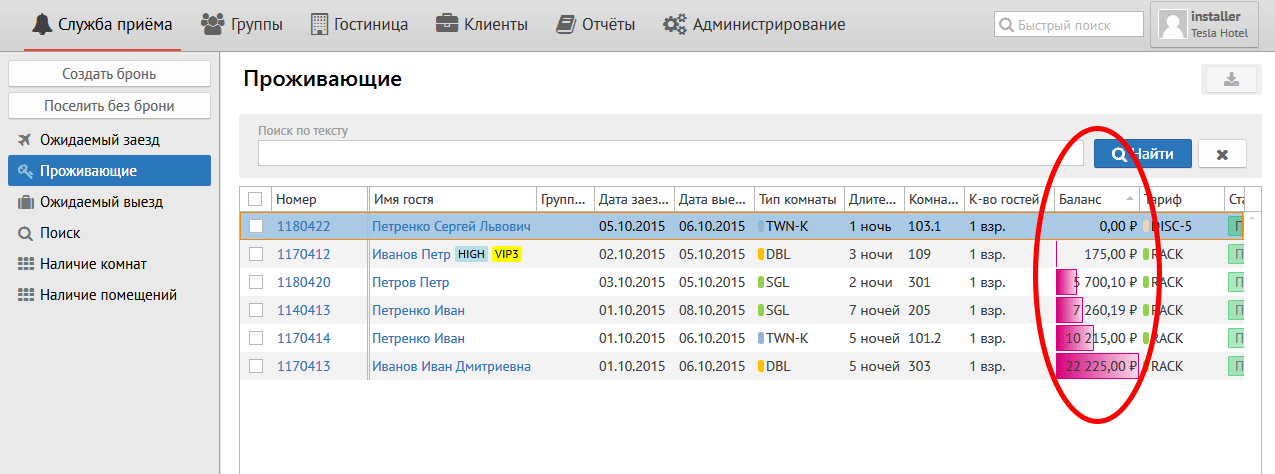
Данная кнопка применяет к уже настроенным правилам цветовые гаммы, например:
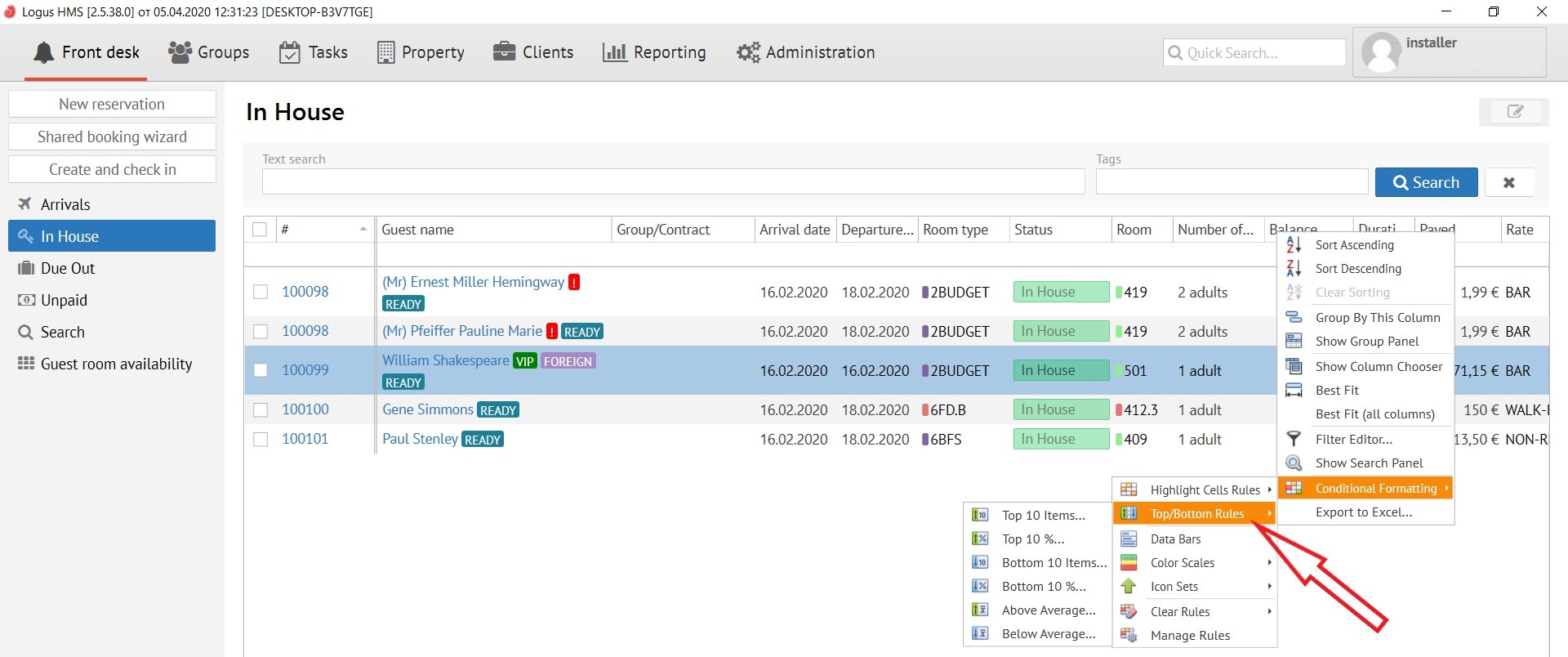
Description of pop-up menus:
Top\Bottom Rules - contains:
Data Bars:
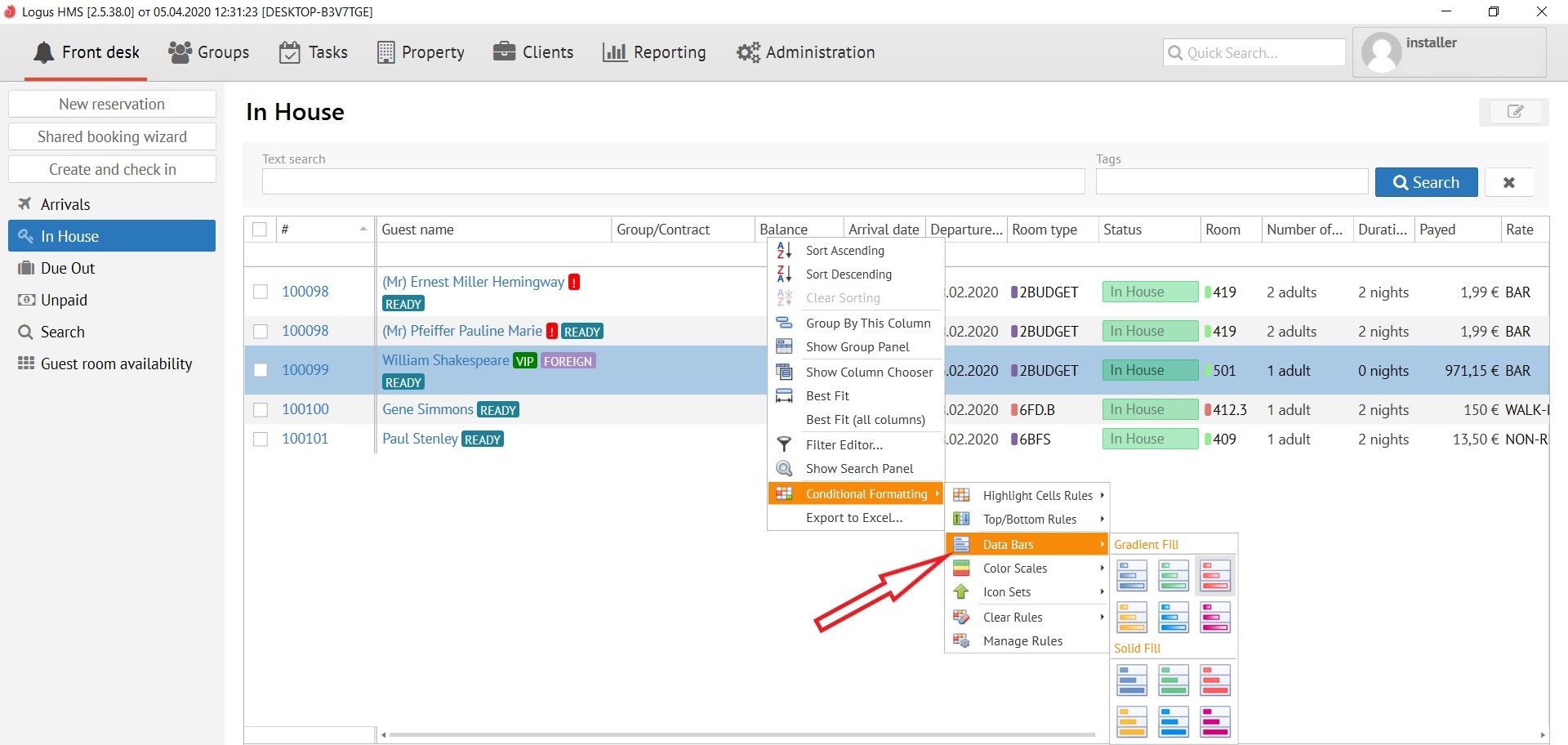
This button applies colour schemes to already configured rules, for example:
Color Scales ( рус. цветовые схемы):
...