...
Click the Groups tab to start working with "Groups":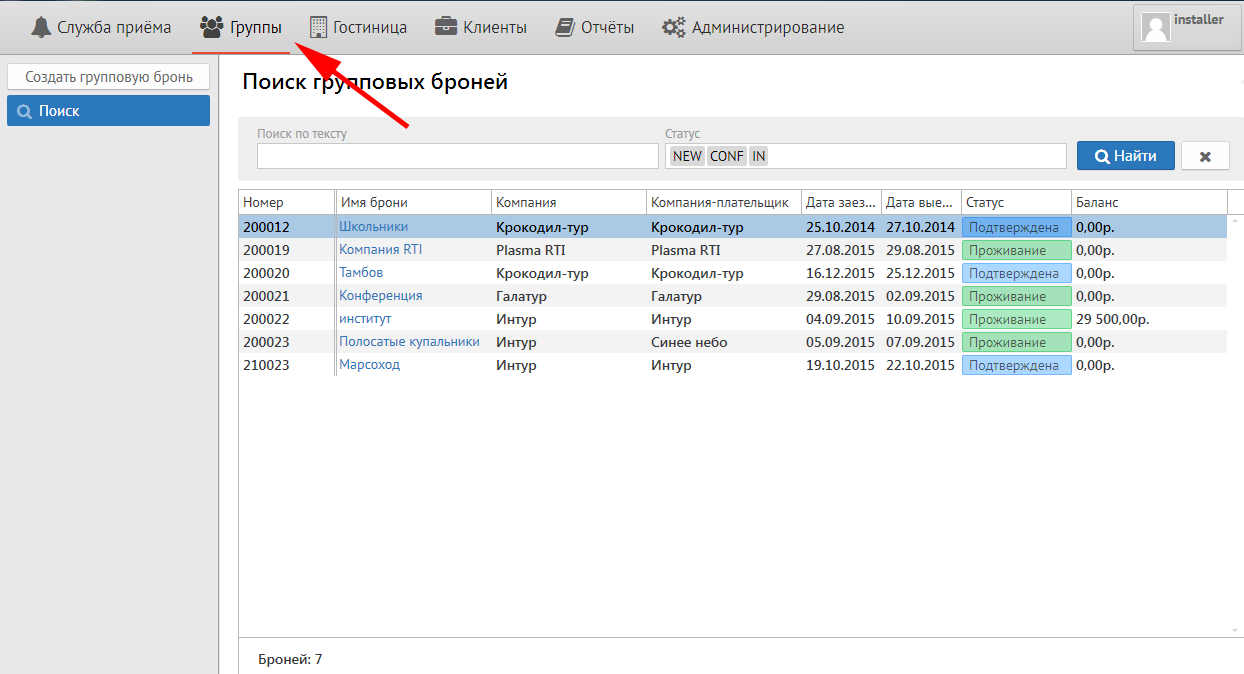
After that from the left will be three buttons:
...
To make a new group reservation press the button "New group reservation". You will see the next screen:
...
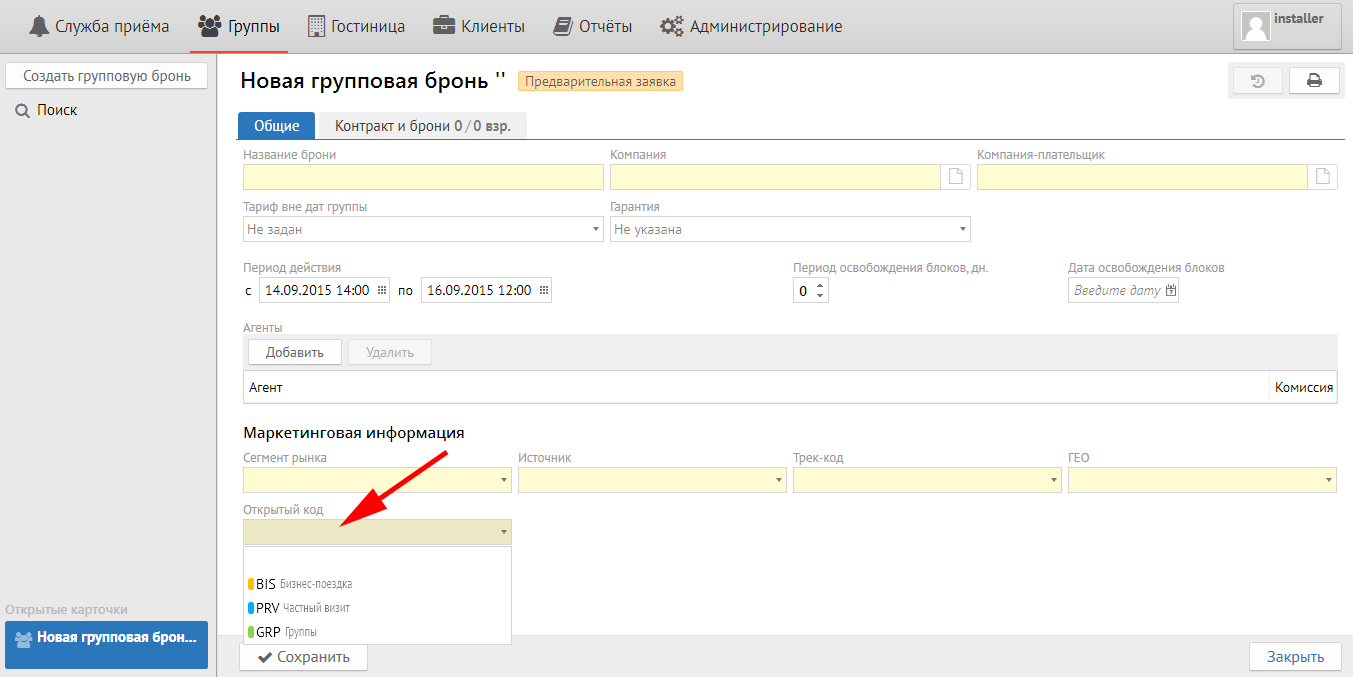
It shoud be fill in the next fields in "General" tab:
Reservation name - Any name for group identification.
...
Room block release date - Date or quantity of days for release unpickable rooms for sale
Agents:
Click "New" button and choose Agent from the list in special field in case of Group come from Travel Agency and you should pay comission.
...
Open code - any information neccessary for hotel from Open code setup (purpose of visit, type of advertizing, company legal name, etc.):
Contract tab
Вкладка «Контракт и брони»
Для того, чтобы добавить необходимый Вам контракт необходимо нажать кнопку "Добавить контракт"
Press "New contract" button for adding contract.
Important: quantity of accommodation variants is equal to quantity of contractsВажно: сколько в группе вариантов размещения (даты, типы номеров, количество номеров), столько контрактов должно быть в группе.
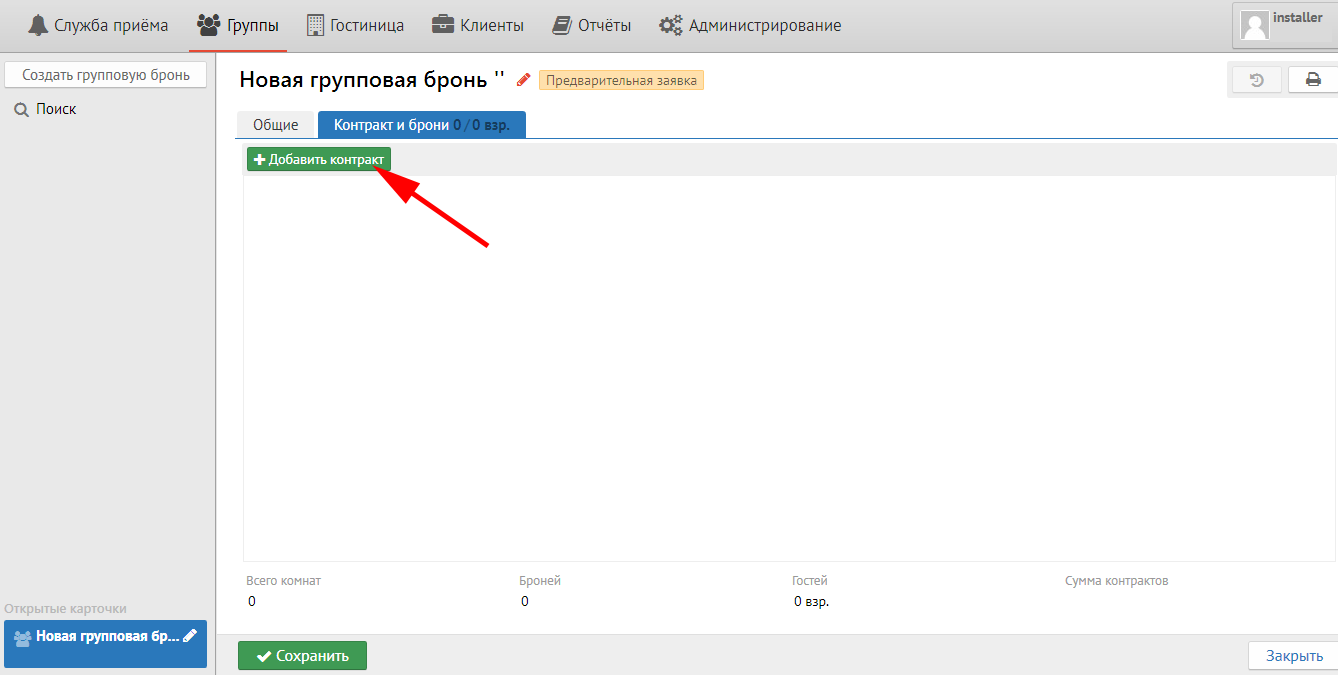
После нажатия кнопки "Добавить контракт" у вас появится следующее окно:
...