...
:
| Warning | ||
|---|---|---|
| ||
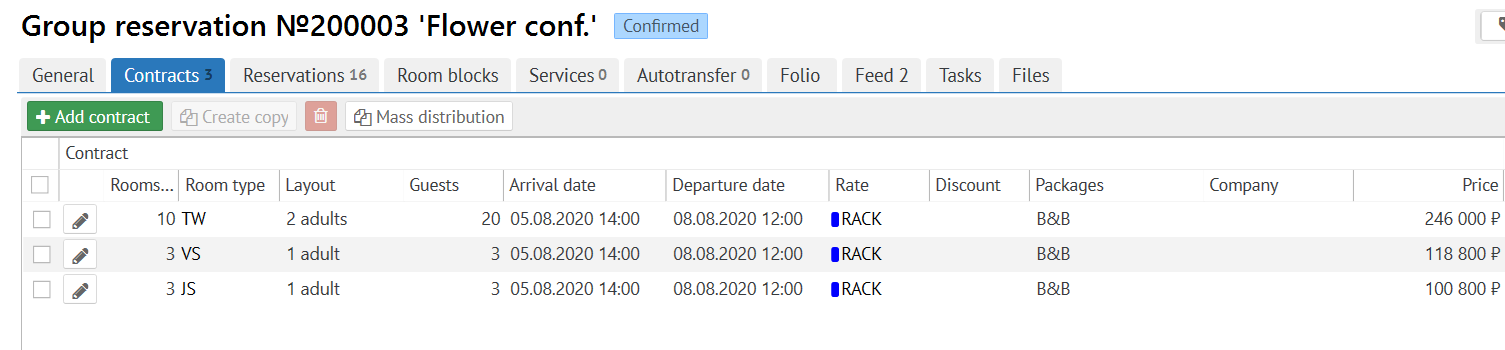
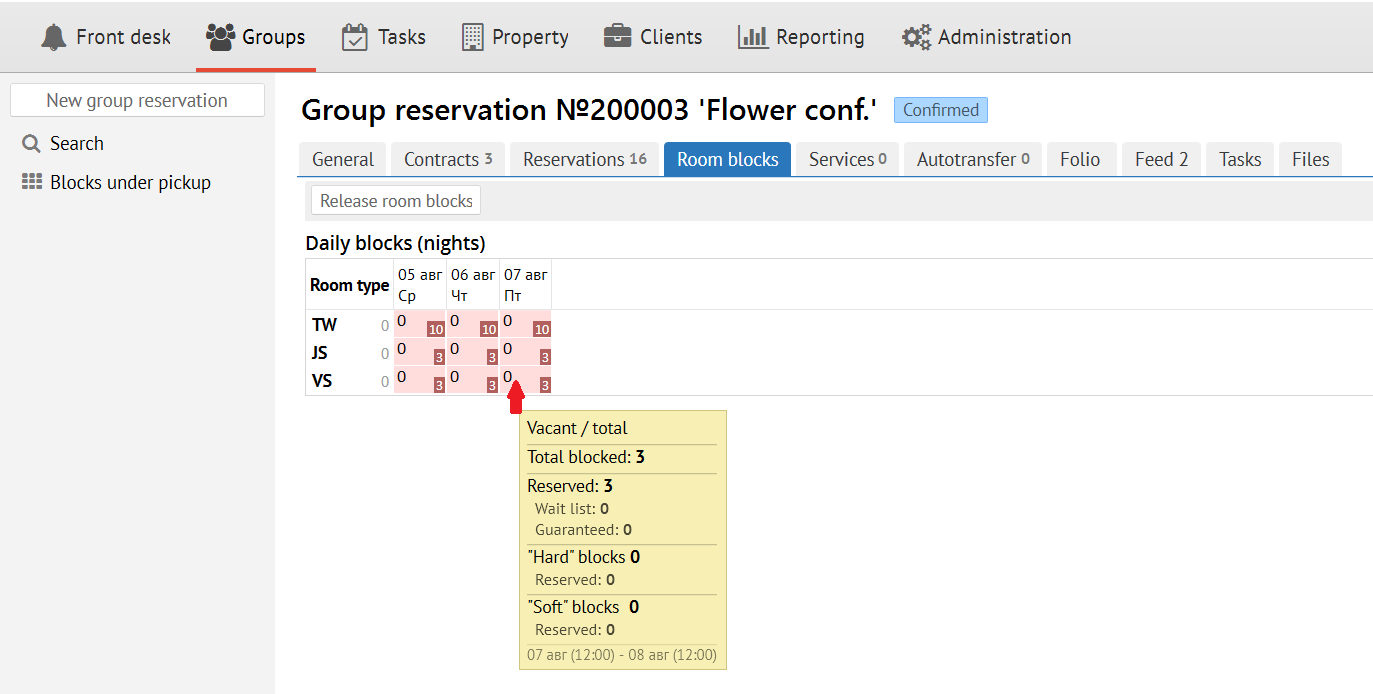
Quantity of rooms in blocks can be differ from quantity of rooms in contracts in two cases: expansion and release blocks. |
Block expansion
Block expansion is adding rooms out of contract.
Reason of this could be the expansion reservation to out of dates of contract or moving reservaton from one room type to another room type that is absent in contract.
It is necessary to remember that blocks are not released automatic (for example, when accomodation period is reduced or resaervation is cancelled).
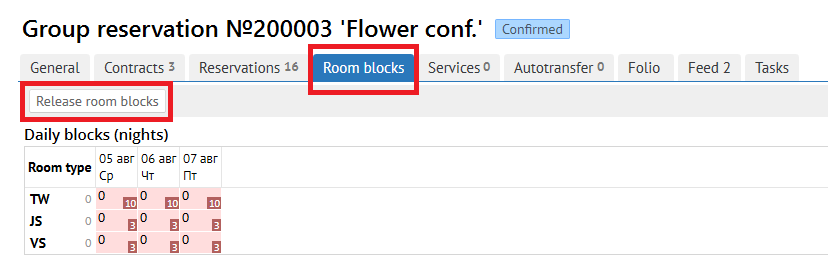
You can release blocks to press "Release room blocks" on Room blocks tab or set up release room blocks automatic.
Services tab
You can add or delete services for group from the list.
For add any new service click to"Add service"and you will see the next screen: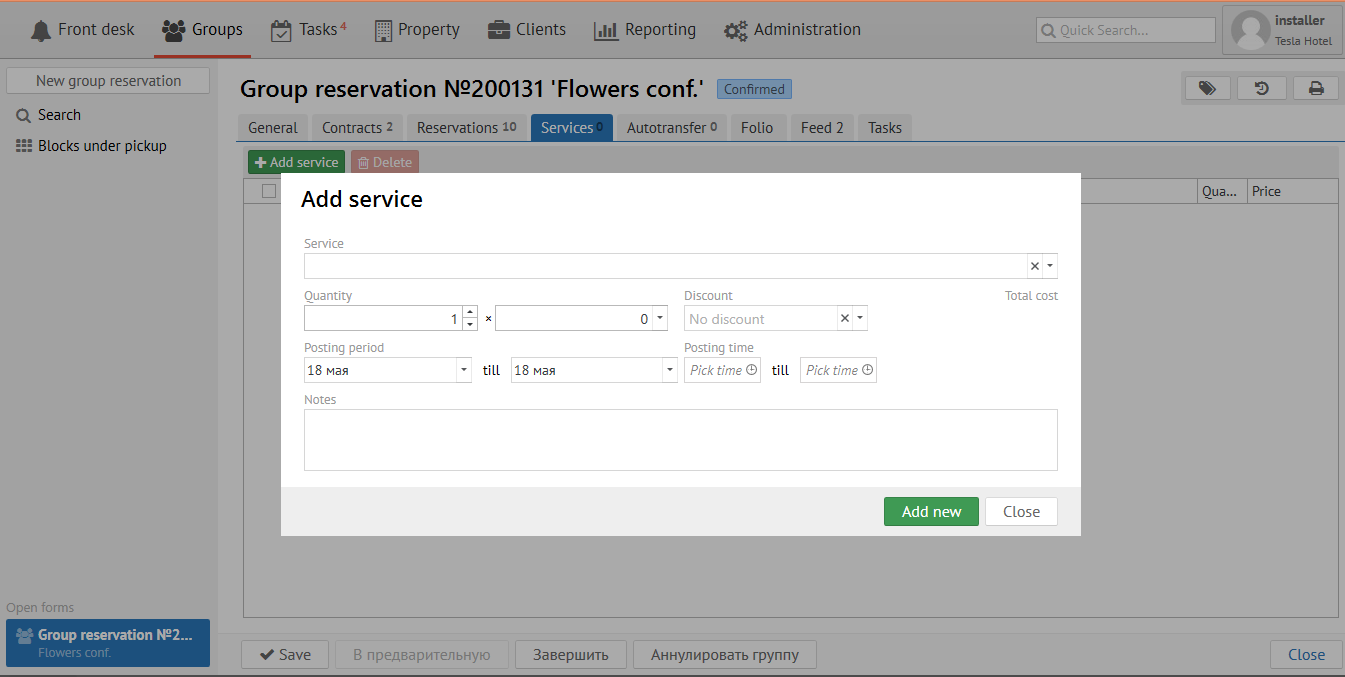
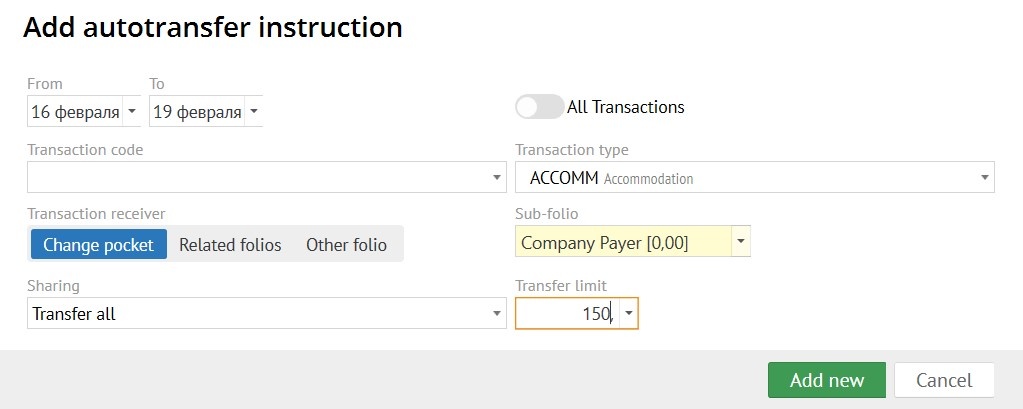
Autotransfer is used for automatically transfer transactions selected by code or type to another Logus card.
There are three variants of using "Autotransfer":
1. To transfer transactions to the "Group reservation" folio.
2. To transfer transactions to "Company payer" sub-folio.
3. To transfer transactions to another reservation.

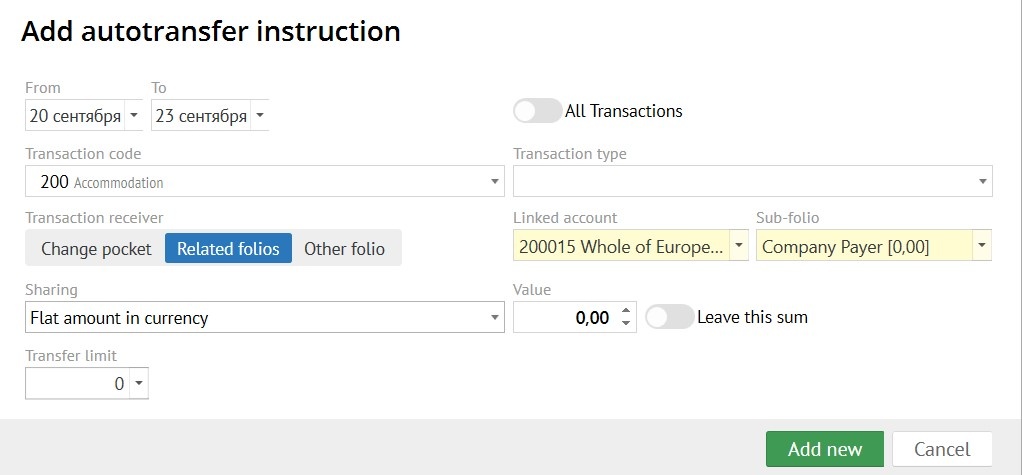
To add autotransfer click the "Add" button. In the pop-up form, you need to fill in the following fields:
- Period of "Autotransfer" (in what dates to transfer)
- Transaction variant (what exactly to transfer, choose one):
- all transactions;
- transaction code;
- transaction type.
- Transaction receiver:
- change pocket (used for transferring transactions to another sub-folio in reservation.);
- related folios (related folios to your reservation: Group reservation, Guest profile or Company profile folios);
- other folios.
- Linked account - choose a related folios to your reservation: Group reservation, Guest profile or Company profile folios.
- Sub-folio - folio receiver of a transactions.
- Sharing:
- transfer all (all selected transactions are transfer by the "autotransfer");
- percentage (transfer percentage of the transaction, the percentage value can be specified in the "Value" field);
- flat amount (the amount specified in the "Value" field is transferred);
- flat amount in currency (the amount in currency specified in the "Value" field is transferred).
- Value - write the amount to be transfer, when you use "Sharing".
- Leave this sum - if you enable the "Leave this sum" switch, then the selected amount of the transaction leave in the original sub-folio, and the remaining amount is transferred by the autotransfer rule. If you disable the "Leave this sum" switch, then the selected amount is transferred by the autotransfer rule.
- Transfer limit - if necessary, write a "Transfer limit" to limit the amount of transaction transfer by the "Autotransfer".
An "Autotransfer" created in a "Group reservation" will be applied to all individual reservation belonging to a group.
"Autotransfer" automatically generated when a "Account receivable" is applied.
For Folio see the next link -