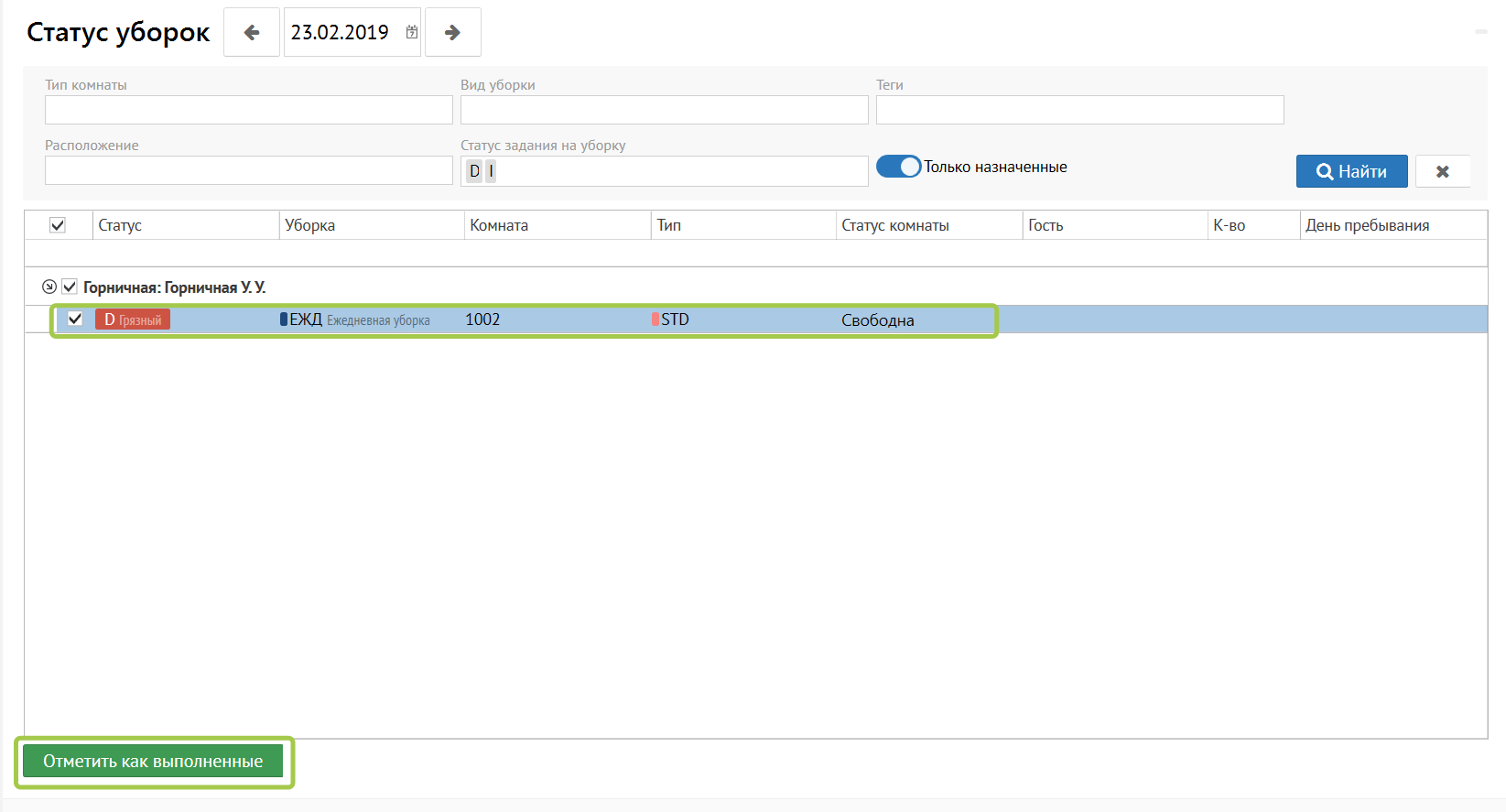
You can see filter above that allows you to find the rooms you need by room type, cleaning type, tags, location, or cleaning job status.
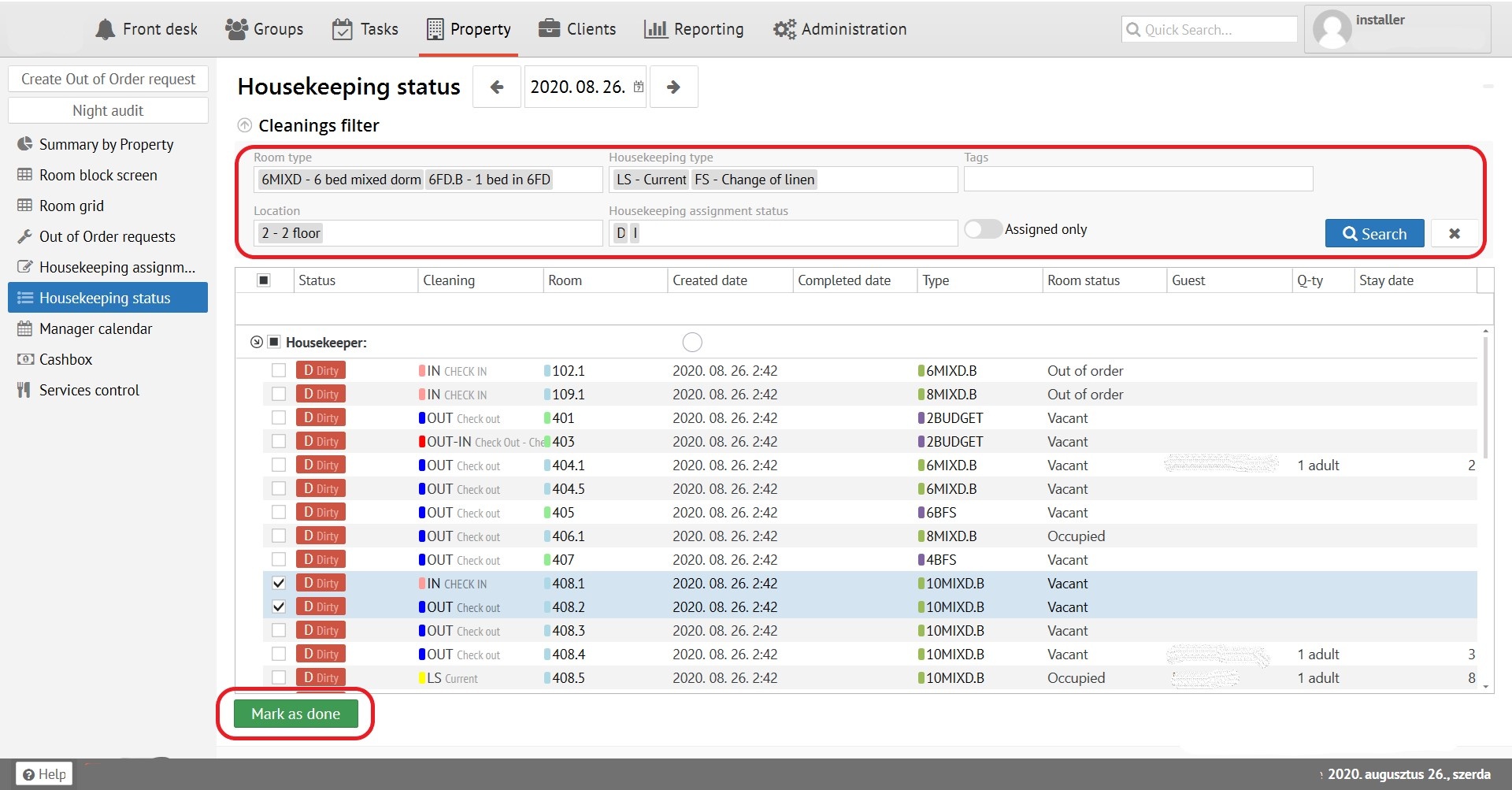
After the room has been cleaned to change status, you need to put a checkmark in front of the needed room and press the green button To perform cleaning task, you must select the room with a tick and click the "Mark as done" below.
Room is clean.