...
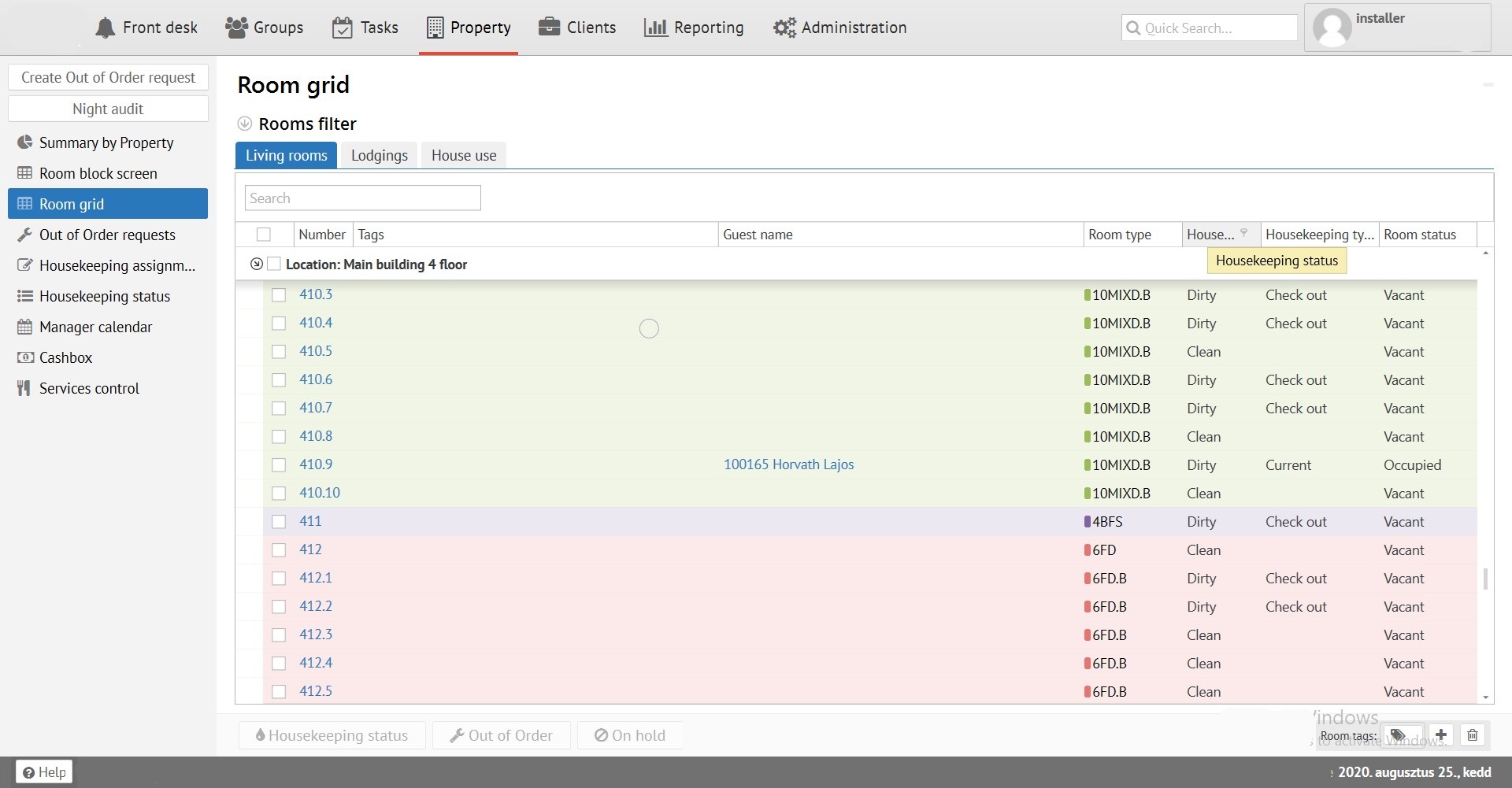
Room grid allows you to see actual status of rooms (Available or Occupied - Dirty / Clean - Status of cleaning). Also you can operate this division like a "Room block screen" in "Housekeeping, Out of Order, On hold".
Clicking on hyperlink "Room number" you can open "Room card" to see more details about:
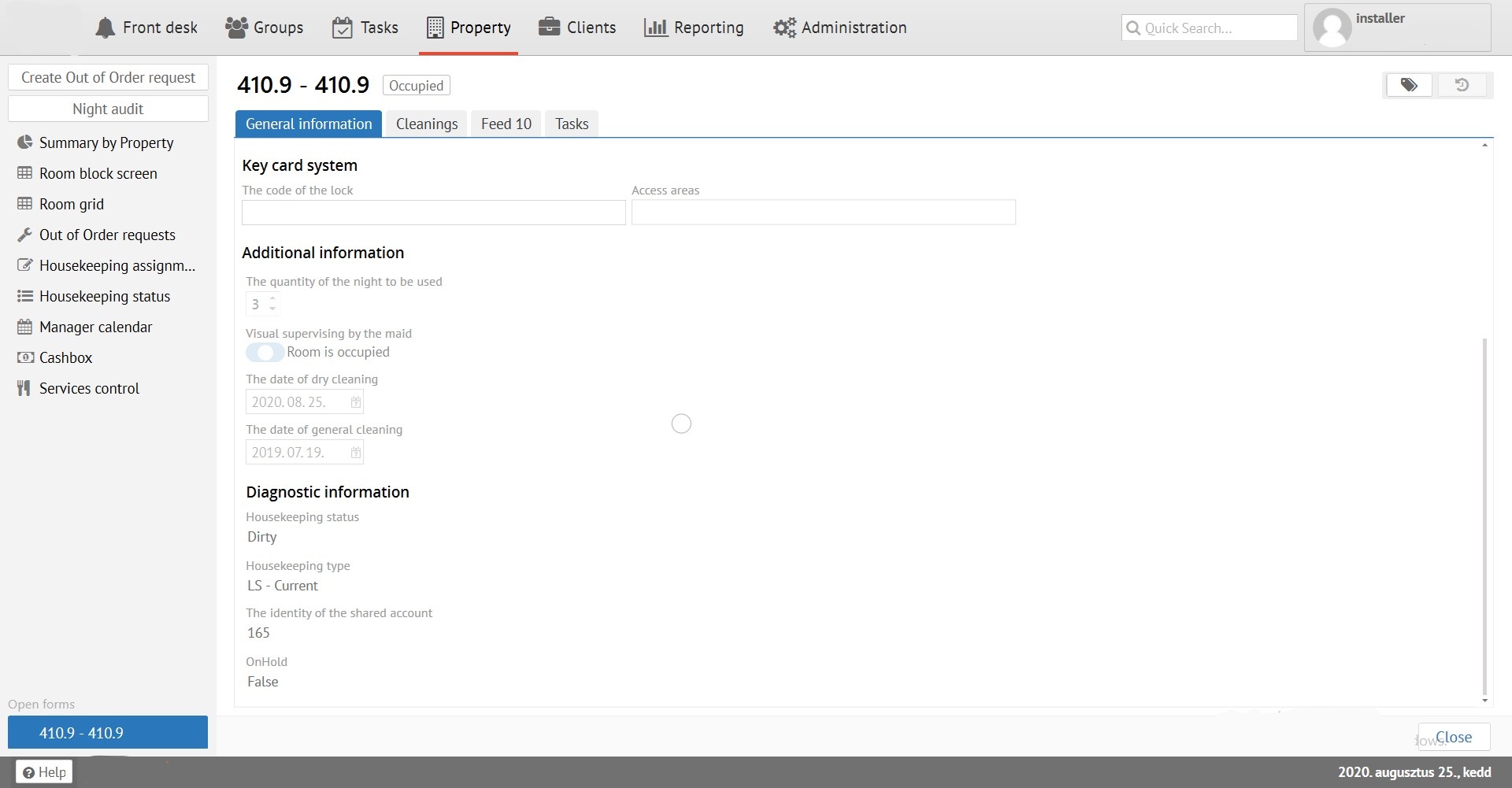
"General information" - Room settings and information about status.
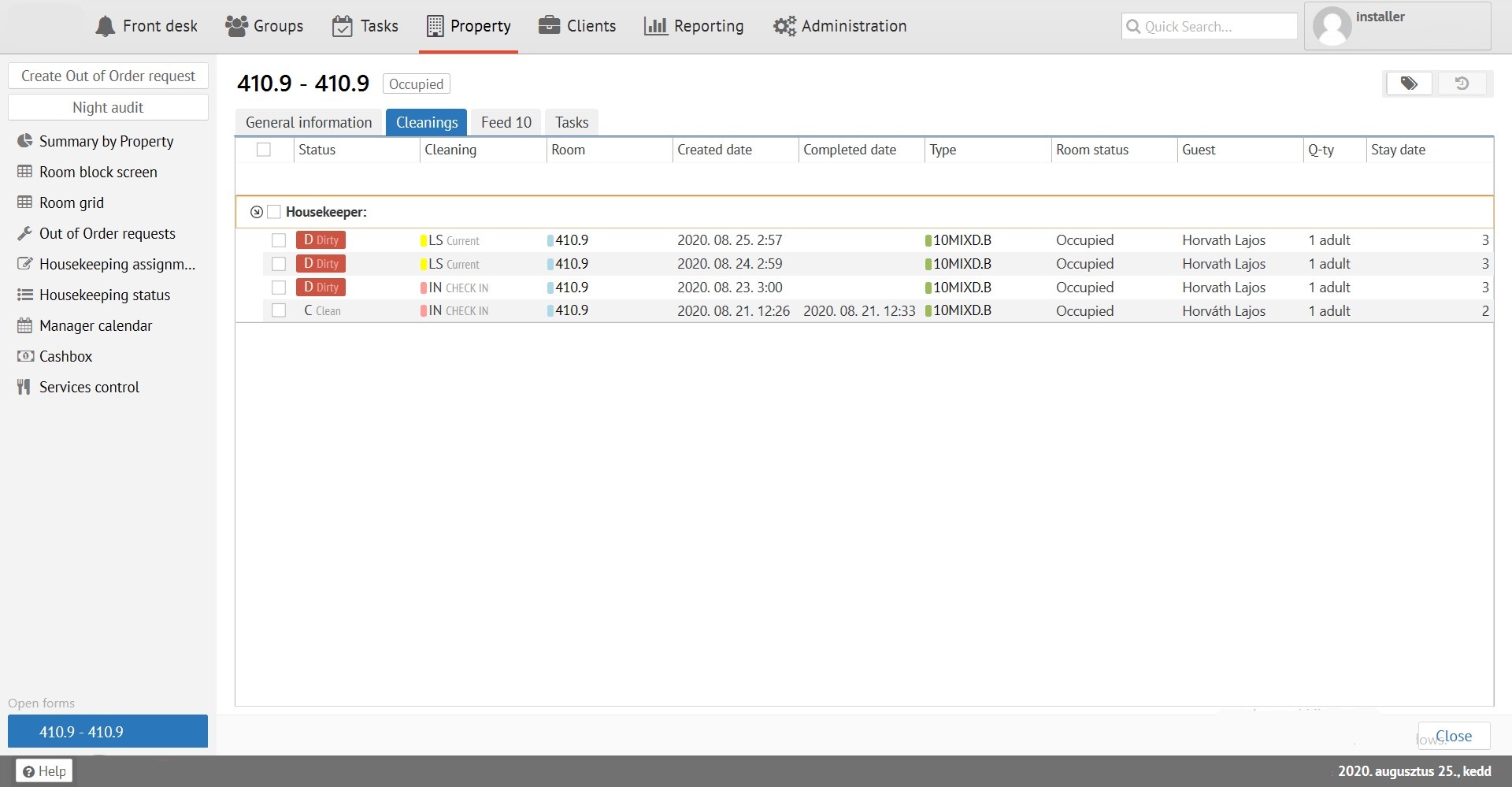
"Cleanings" - Information about cleaning the room. Dates, Housemaids and etc.
"Feeds" - history of room status changes.
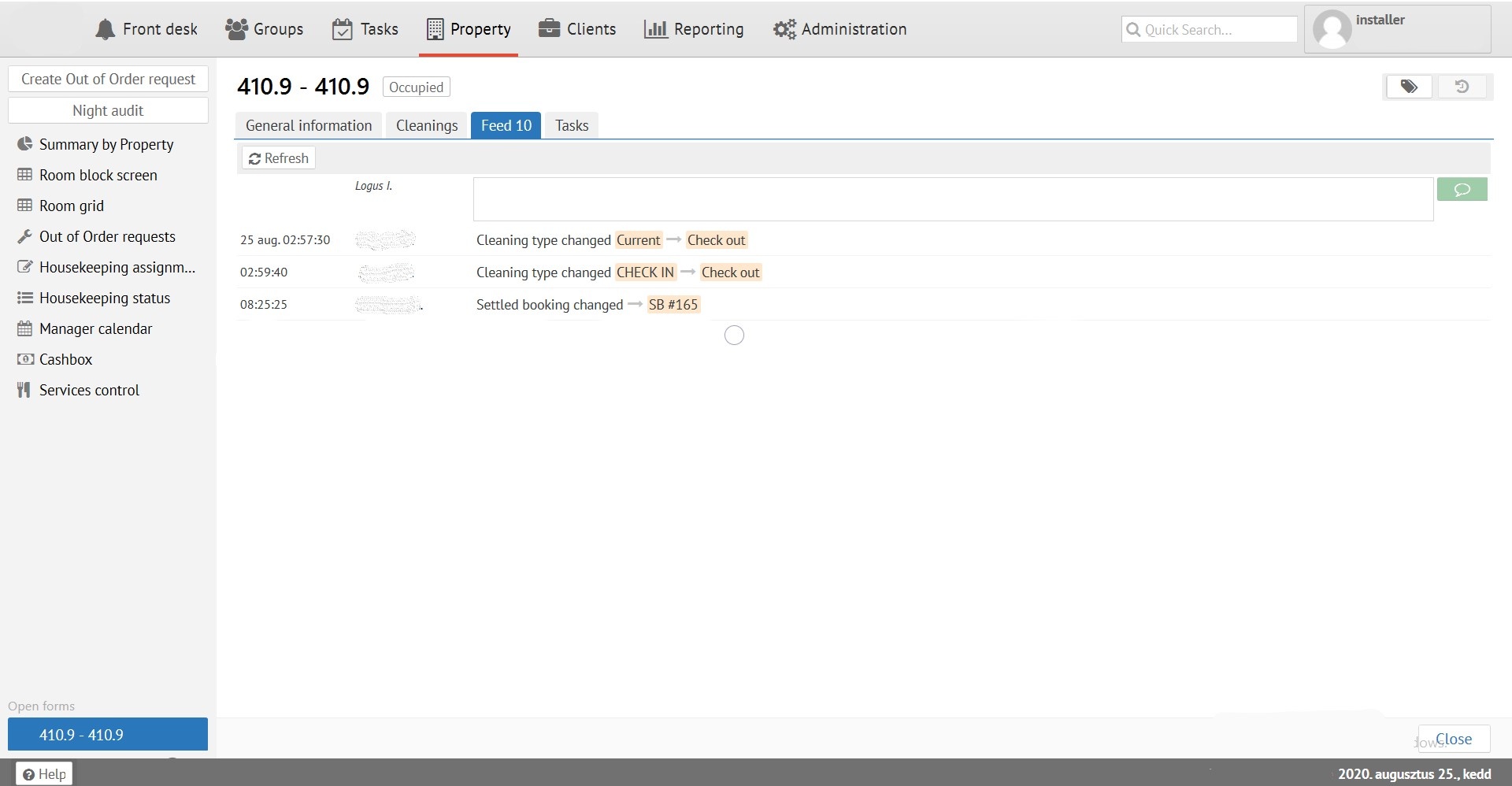
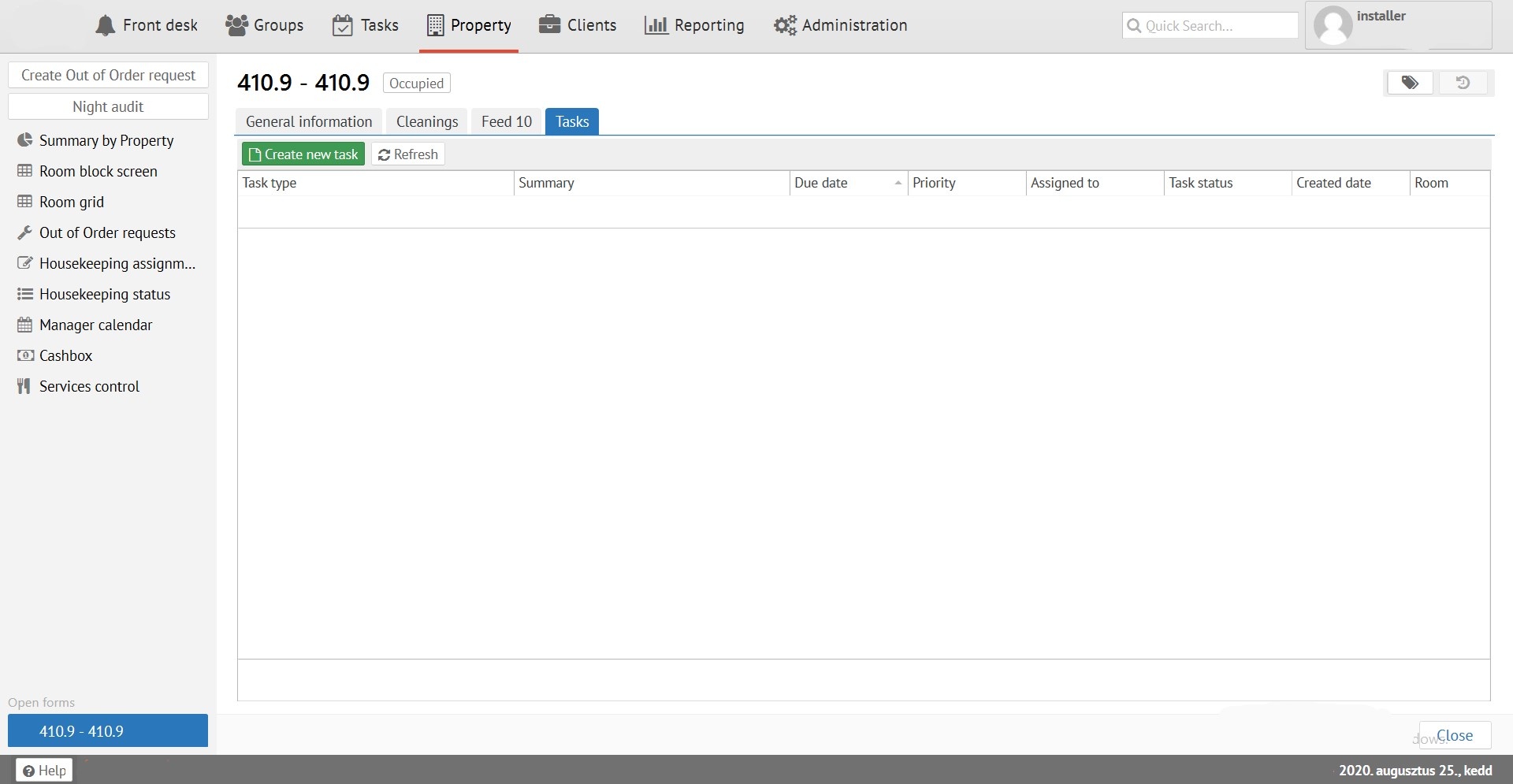
"Tasks" - tasks linked between this room number and the "Tasks" section.