...
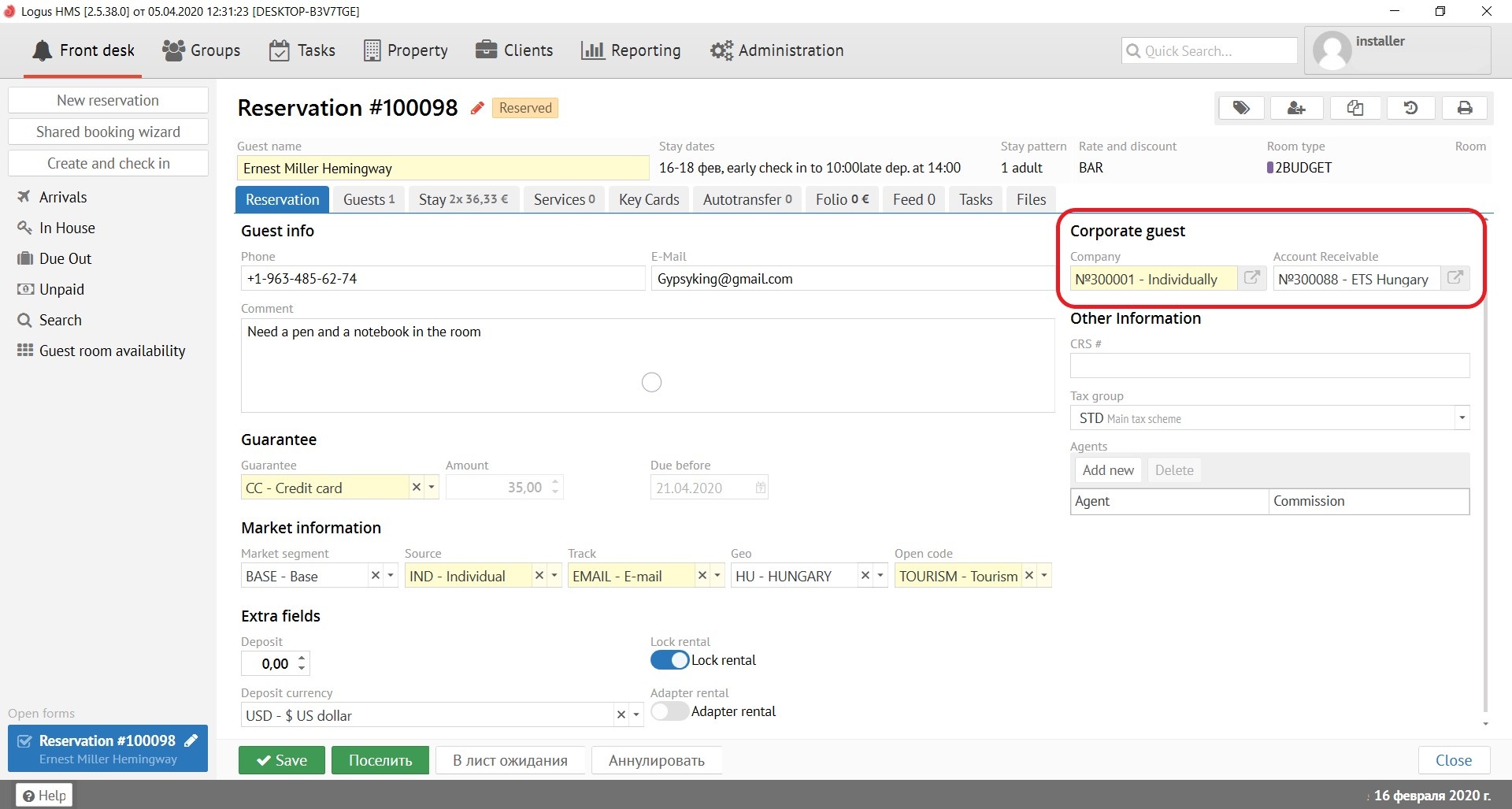
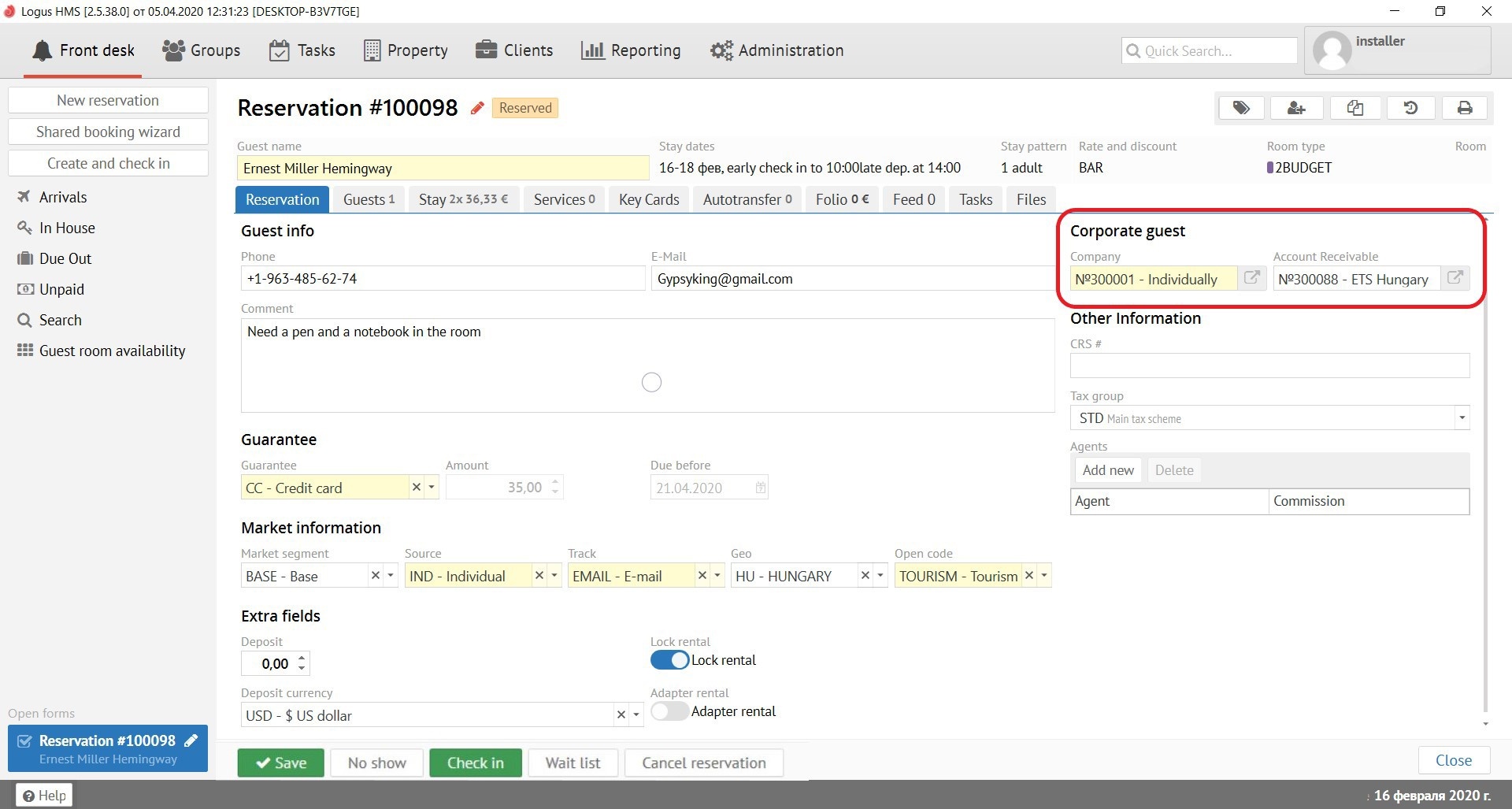
In the "Company" field, you must select the Client-company from the pop-up menu, whom offered from the list. To do this, you need to start typing the first few letters of the company name and Logus HMS will offer you to choose an existing company from the "Clients" section by itself.
The field "Payer Company" is filled in when the reservation is prepaid by bank transfer. To do this, you need to start typing the first few letters of the company name and Logus HMS will offer you to choose an existing company from the "Clients" section by itself.
...
Due before - date by which a deposit is due before (depends on the type of guarantee)
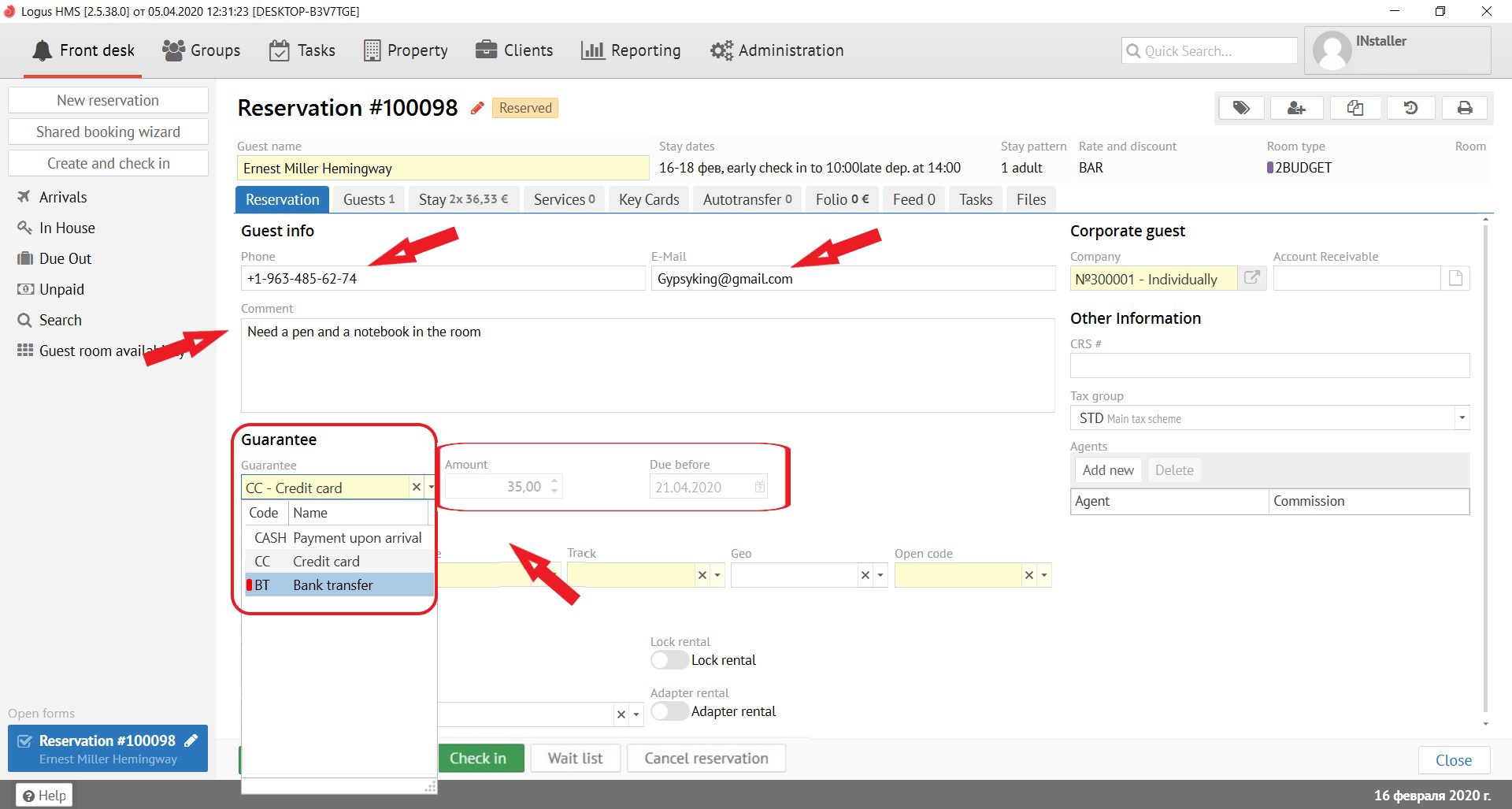
Market information:
...
Account receivable - to be filled in only for non-cash reservations. (Not in the Logus The Box)
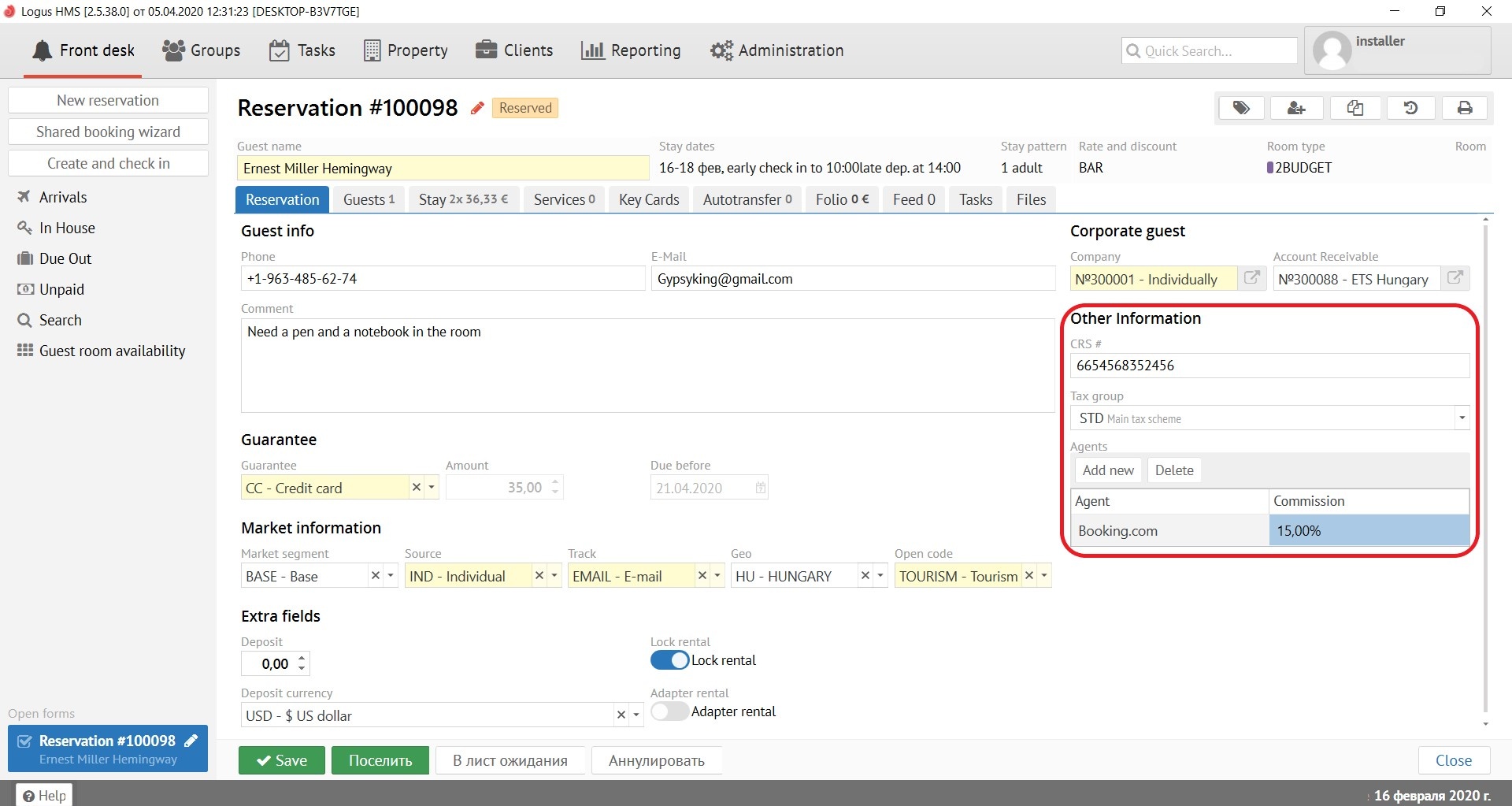
Other information:
...
Agents - to be filled in if a commission is required for this reservation. (Not in the Logus The Box)
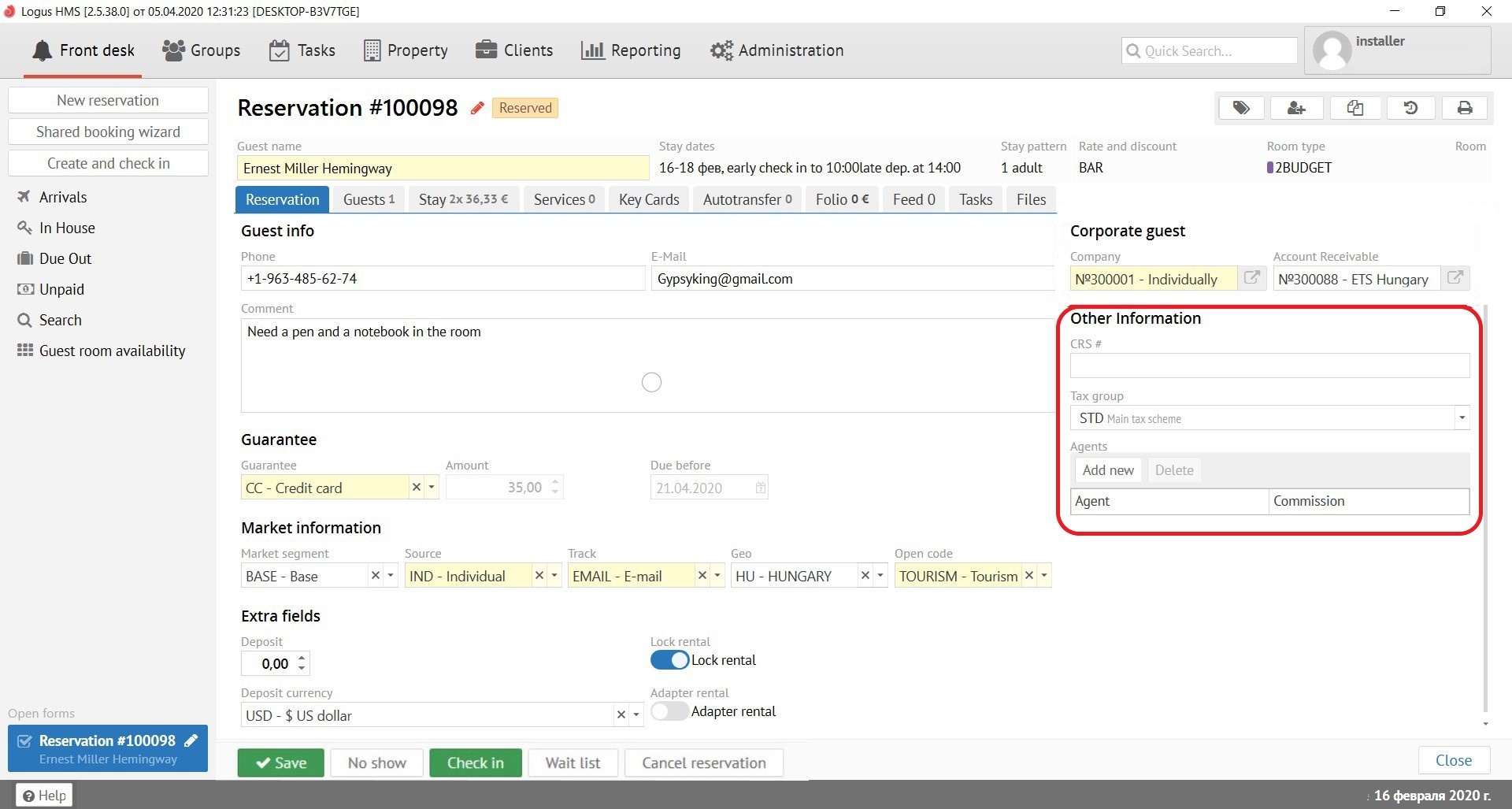
There are several buttons that work in any reservation card below:
"Save" button - saves all changes made to the reservation. If you press the "Save" button while holding SHIFT on the keyboard, the reservation card will not close automatically.
"No show" button - changing status of the reservation to "No show". You can always check in this reservation during the whole period of stay of this reservation. If you will checked reservation in, Logus post the accomodation charges for missed period.
"Check-in" button - checking-in the reservation (to check in the reservation you can ONLY if the date of arrival of the reservation agree with the date in the program (bottom right). Otherwise, the date of arrival will be changed to the current one.
...
"Check-out" button - checking-out the guest (it is possible to check-out the reservation ONLY if the departure date agree with the date in the program (bottom right). Otherwise, you will be asked to adjust the length of stay.

