You can use filter on the top to select the specific rooms.
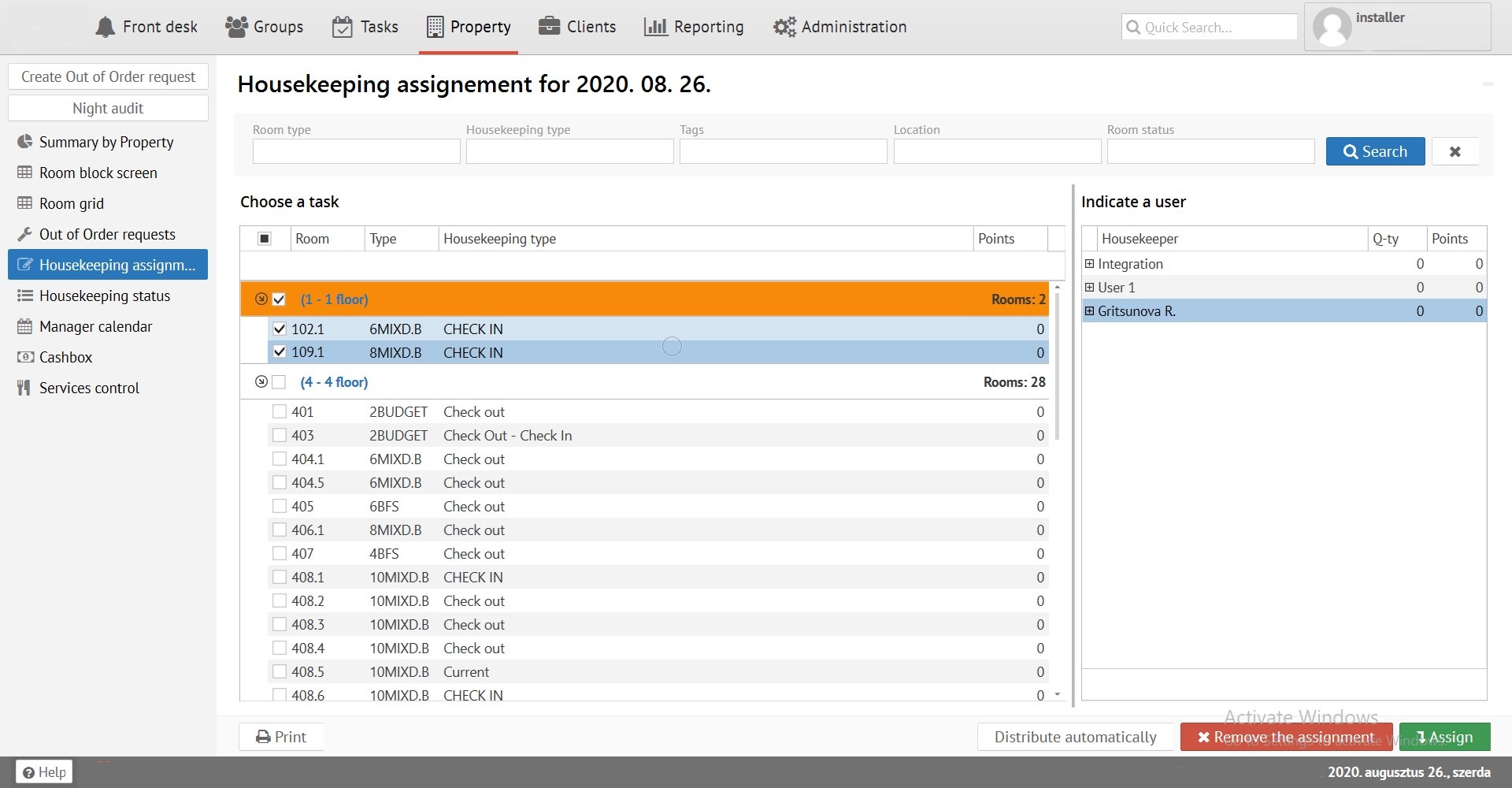
Filter - allows you to find rooms you need by room type, cleaning type, tags or location:

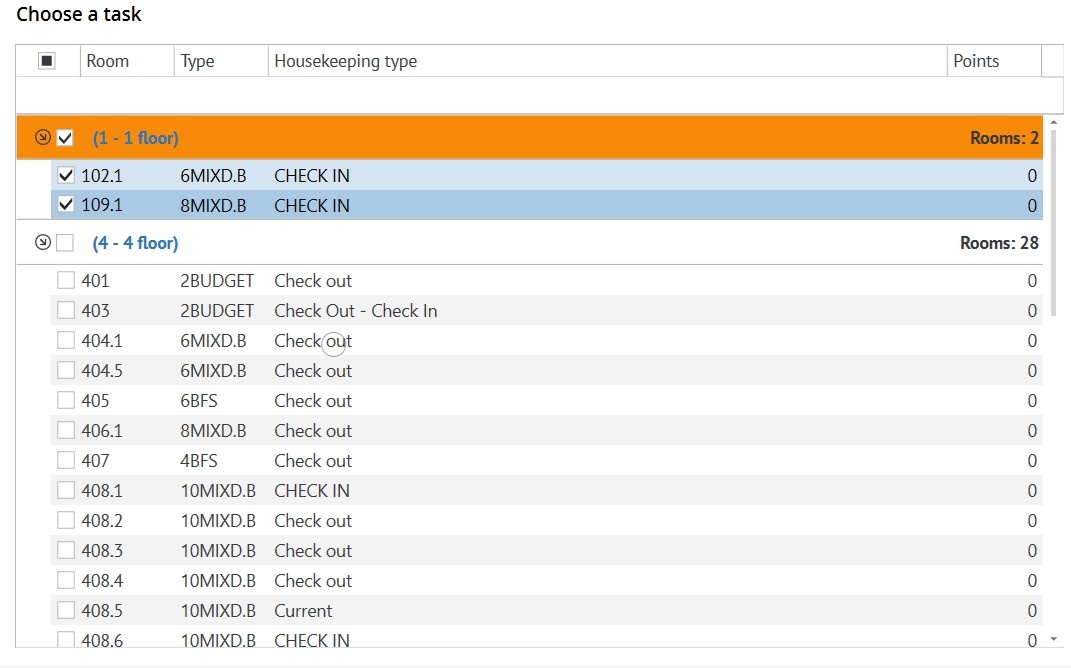
Choose a task- dirty rooms are indicated here, it can be selected by ticking the boxes next to the room you need (or select all rooms by clicking on the topmost box):
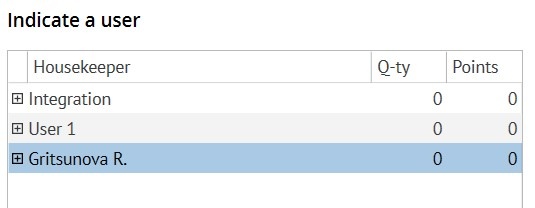
Select responsible maid - a list of all the maids who are in the program:
Appointment of a cleaning task:
It is necessary to select dirty rooms that need to be cleaned, responsible maid in the right field, and then click the "Assign" at the bottom right.
If you need to distribute rooms for all maids equally (based on the points set for each cleaning) you can click on the "Distribute automatically" button.
To print the cleaning task, you can click on on the left - "Print".