For convenience searching for reservations, groups, guests or companies profiles in Logus there is a Quick search. It is always in the upper right corner.
You can quick search reservation by:
You can quick search groups by:
You can quick search company by:
You can quick search guest profile by:
The search results display:
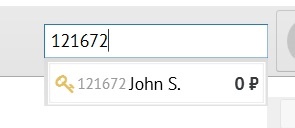
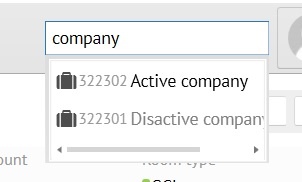
Quick search looking guests profile and reservation by last name, and last name can be found in the name of the company, search results may cross.
Для For difference, the results are marked with distinction icons.
 - Guest profile;
  - Company profile;
  - Reservation;
  - Group reservation.
The font for deactivated guest and company profiles is gray.
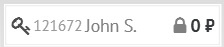
Reservation in different statuses:
Cancelled, Out, Wait list, No-show - marked with a closed lock, gray font
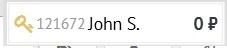
Reserved - golden key
In house - green house
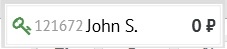
When you click the left mouse button on the icon, the reservation, the guest or company profile is opened.