|
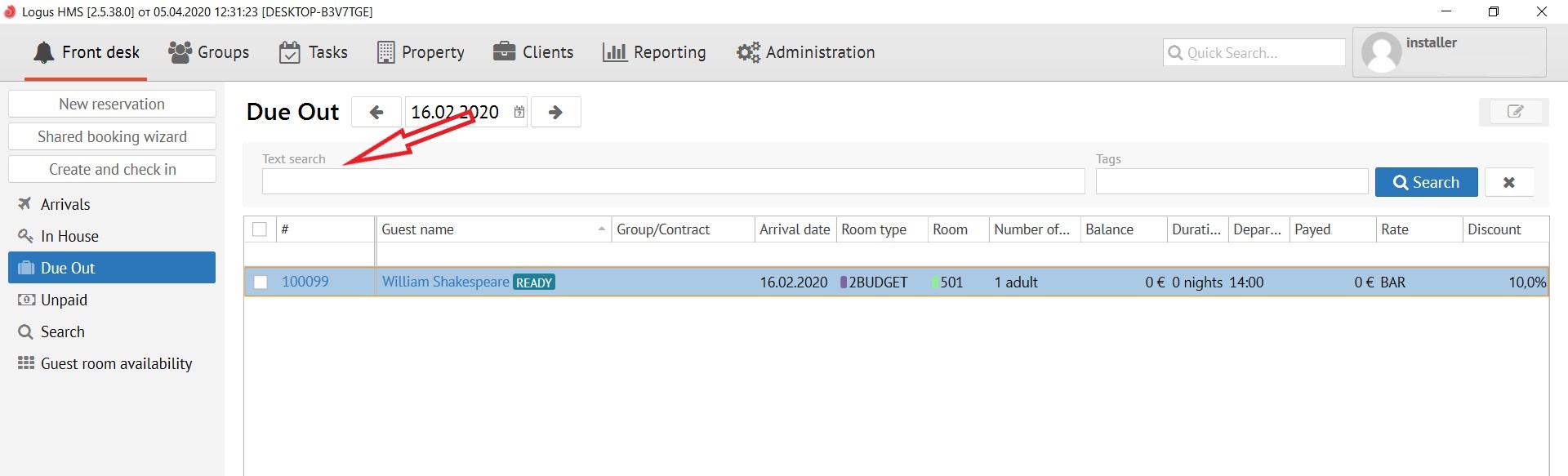
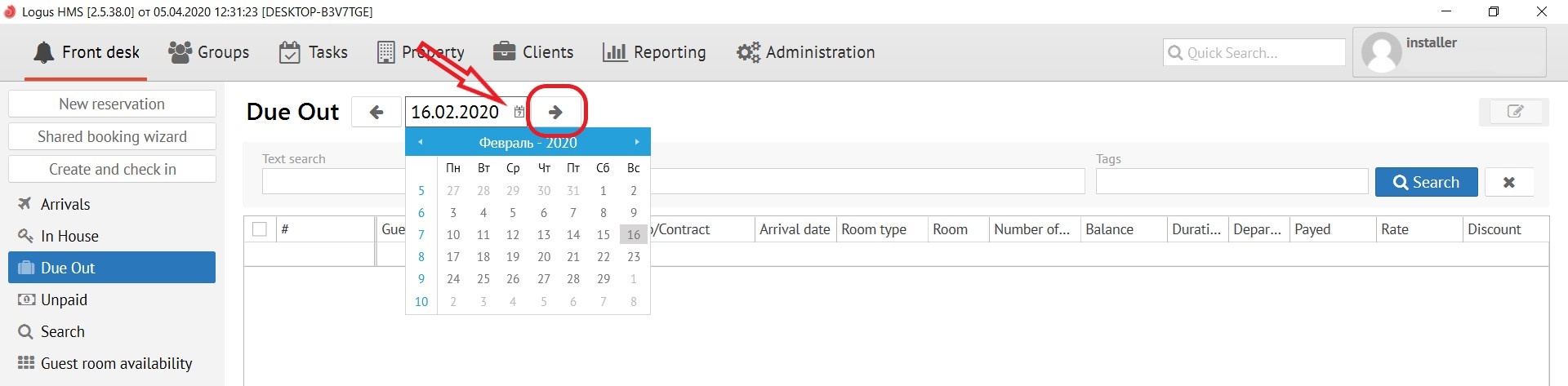
The “Due Out” button shows a list of guests expected to departure your property. At the top of display you can change the date, if it necessary. For ease of use, on both sides of the date there are arrows "->" and "<-", which help to quickly scroll the date forward and backward.
There is also a "Calendar" button next to the date. It opens a calendar pop-up window.
The search bar, which is called "Text Search", is located just below the date and allows you to search for the reservations you need by name of guests, room number, reservation number, CRS number and company. After you have entered the data into the search bar, click the "Search" button. Button "X" resets all search queries.