|
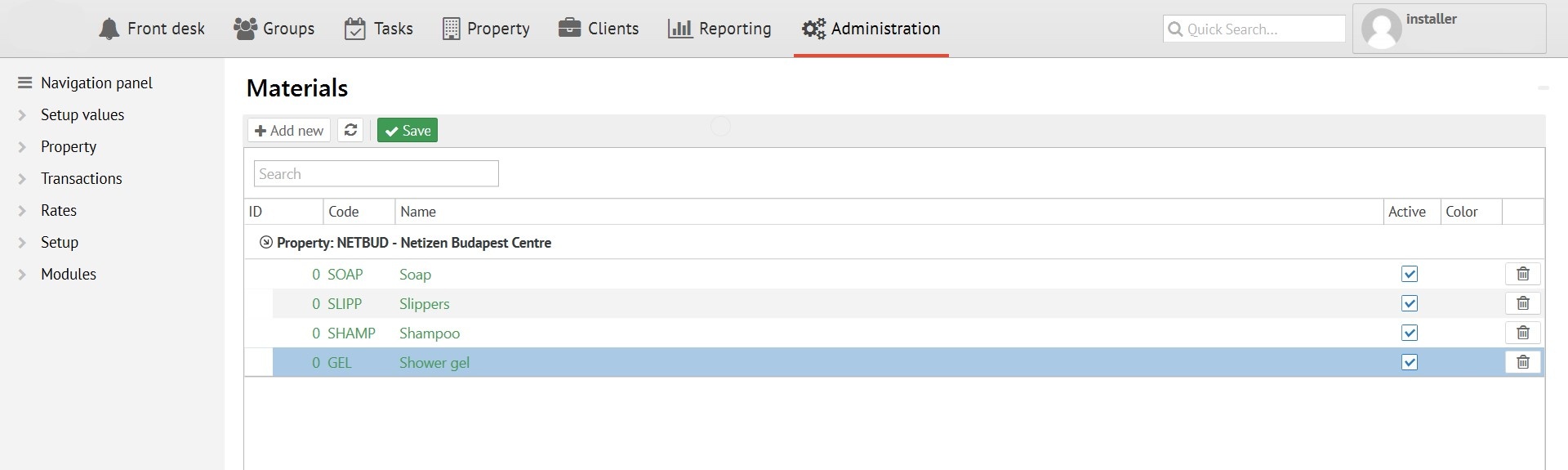
Logus has control opportunities for cleaning consumables/materials. First of all materials need to be added into directory Administration - Property - Materials.
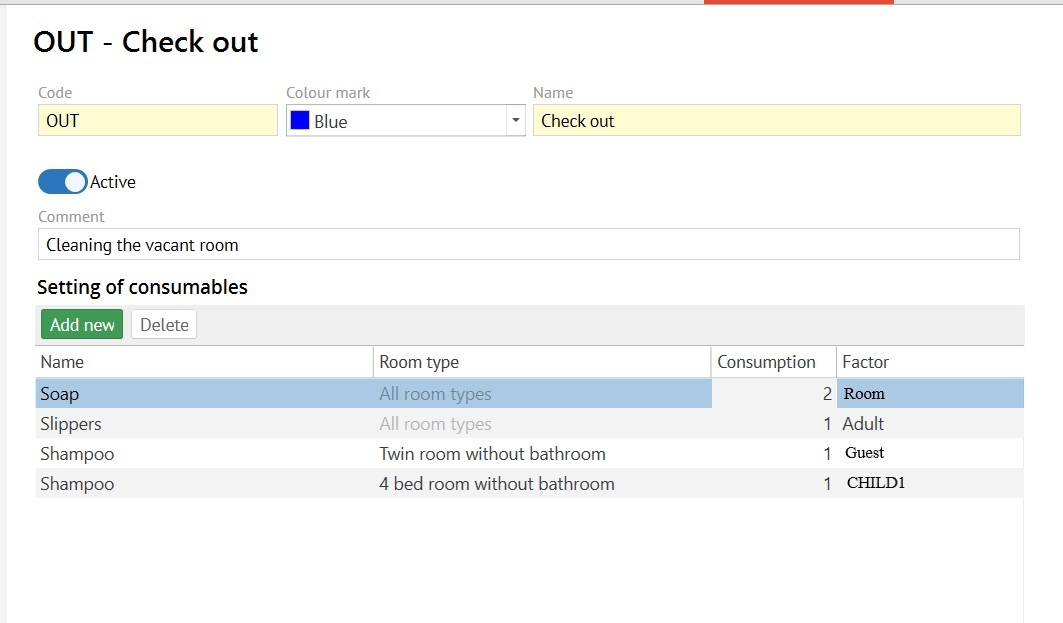
In the specific type of cleaning settings, you can specify the consumption for this type of cleaning. You can specify the dependence of the consumption by room area of the by checking the box "per unit area", in this case consumption will be multiplied by area when writing off will be done. (For the calculation - the base area for the "Room types" must be indicated).
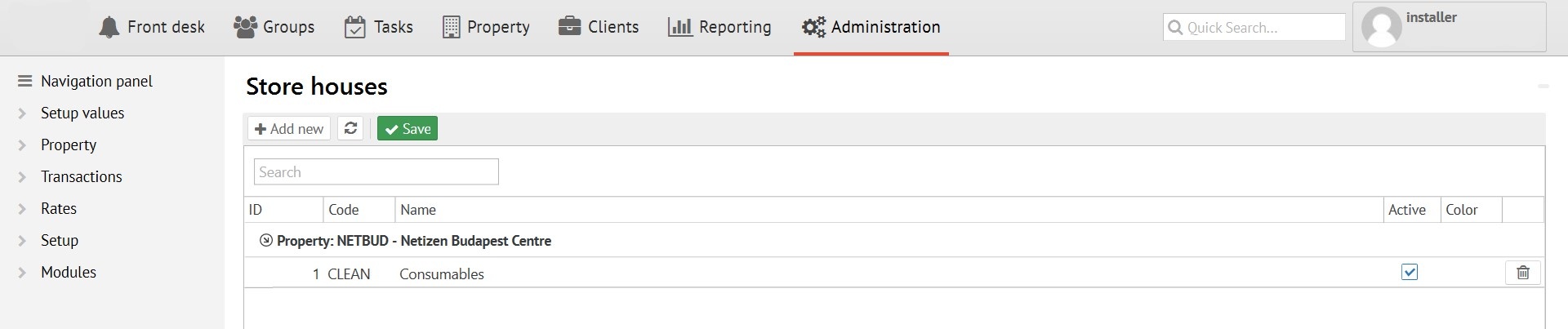
When marking the completion of cleaning for materials to be written off correctly - you should set up CLEAN code in the Administration - Property - Store houses.
You can see materials consumption in the context of maids for a certain period in the report "Cleaning consumable materials":
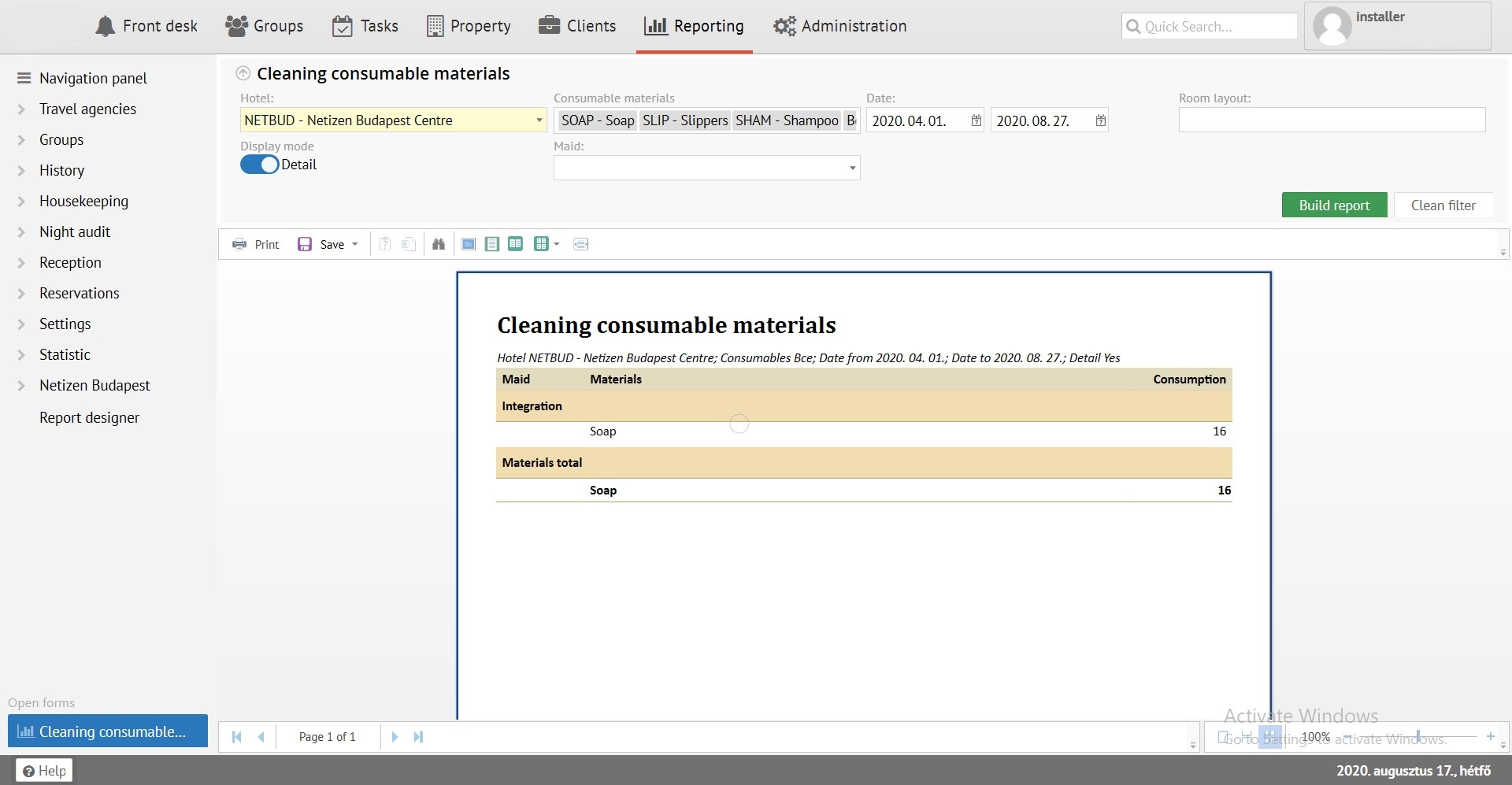
Write-off is carried out automatically at the moment of cleaning (clicking on "mark as done" on the "housekeeping status" screen, or switching the status to “clean” through a Room block screen, or mobile app). An important condition for writing off is appointment of cleaning for the maid! Consumables cannot be written off if responsible for cleaning has not been exposed.