|
Logus allows you to control the supply of food and services using a mobile appl. This app allows you to:
Let's take an example where hotel has 2 buffet restaurants. It is necessary to make sure that the same guest cannot visit both restaurants within the same meal (as well as visit the same one, twice, but such cases can be solved with a paper register).
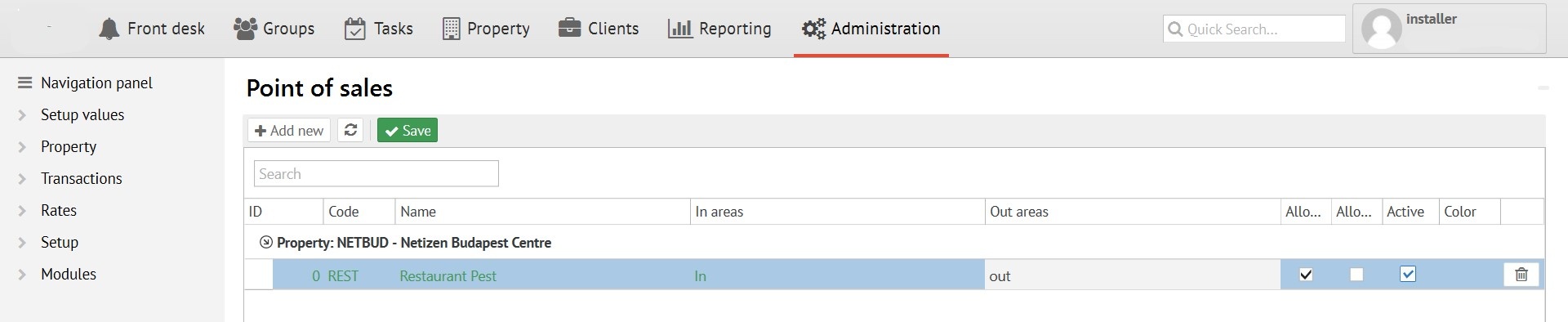
First of all, you need to configure "Point Of Sales" (POS futher) in the appropriate administration section:
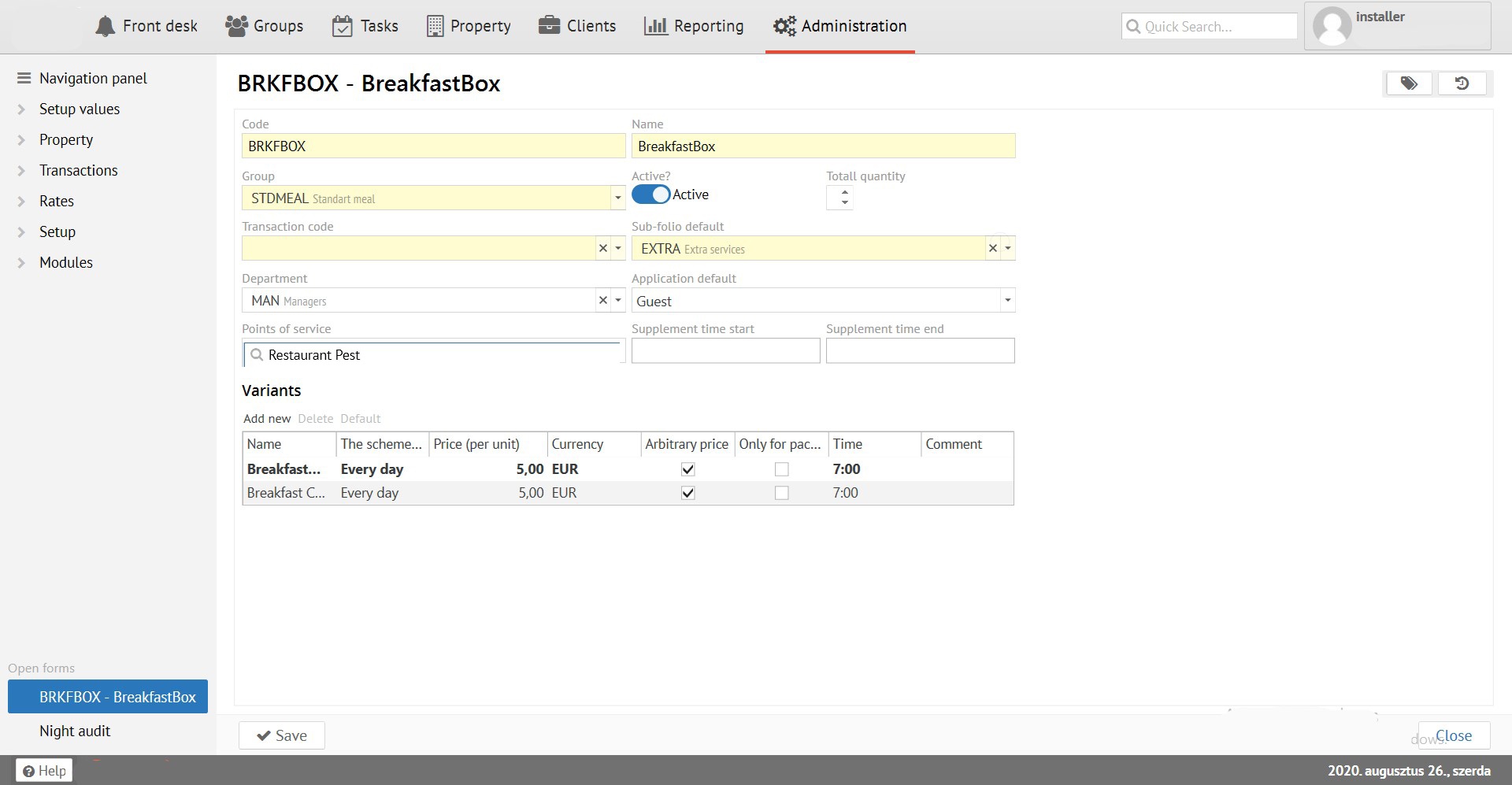
Further, in the reference Services book, you need to configure the services to the POS:
Lets say that each POS will have one employee, and each will have a tablet/clipboard.
First, permission to "Service Control”in Administration needs to be given to employees, then log in using Logus users' logins / passwords.
In the settings of the mobile application, you should specify the points of sale from where the employee will control the supply:
Now, by going to the food supply section, employee will see all the services that should be released on this day at this point of sale:
The 0/1 indicator displays the number of released services. If there are 2 guests in the reservation and each of them is entitled to lunch, then the indicator would look like 0/2.
Services supply can be carried out for a reservation in the status of "Reservation", "Checr in" and "Check out". This will allow supply food before guest's check-in or immediately after check-out.
After service been supplied it is marked as released and the double supplying is impossible:
If the number of supplying units is more than one, then the system allows you to carry out supplying in several stages (for example if guests from the same room come to eat at different times), making sure that the total number of supply does not exceed the number of services sold.