|
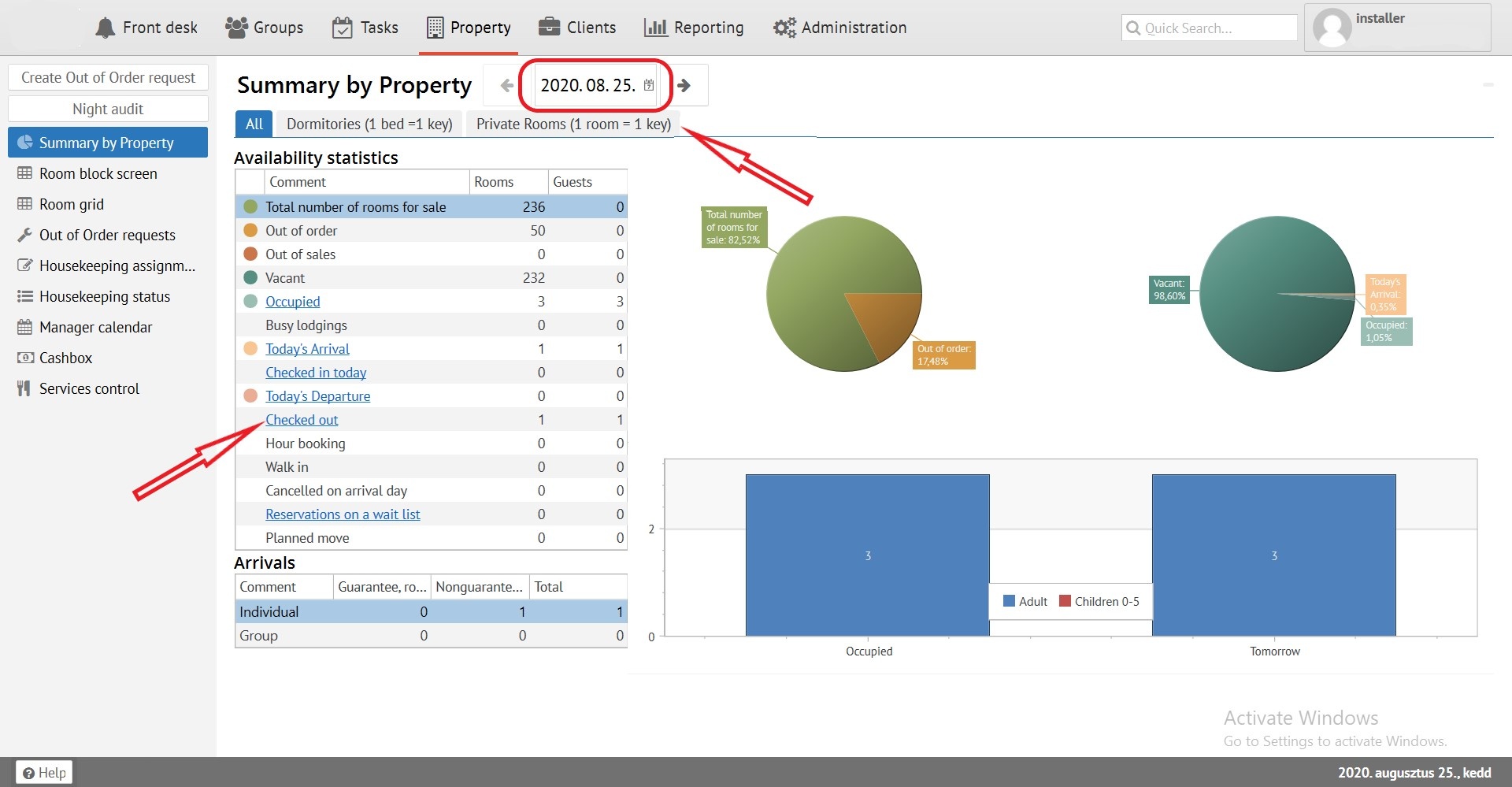
An operating information about your property. Contains hyperlink to another sections of "Front desk". It can be displayed by different room category types or in all. Also it has dates filter.
It's a tool for working in the Logus, it is used to assign a room number for reservation (Attention! We do not recommend using checkerboard to assign room numbers, as this creates fragmentation of rooms, which leads to profit loss).
To see it, press the "Room block screen" button:
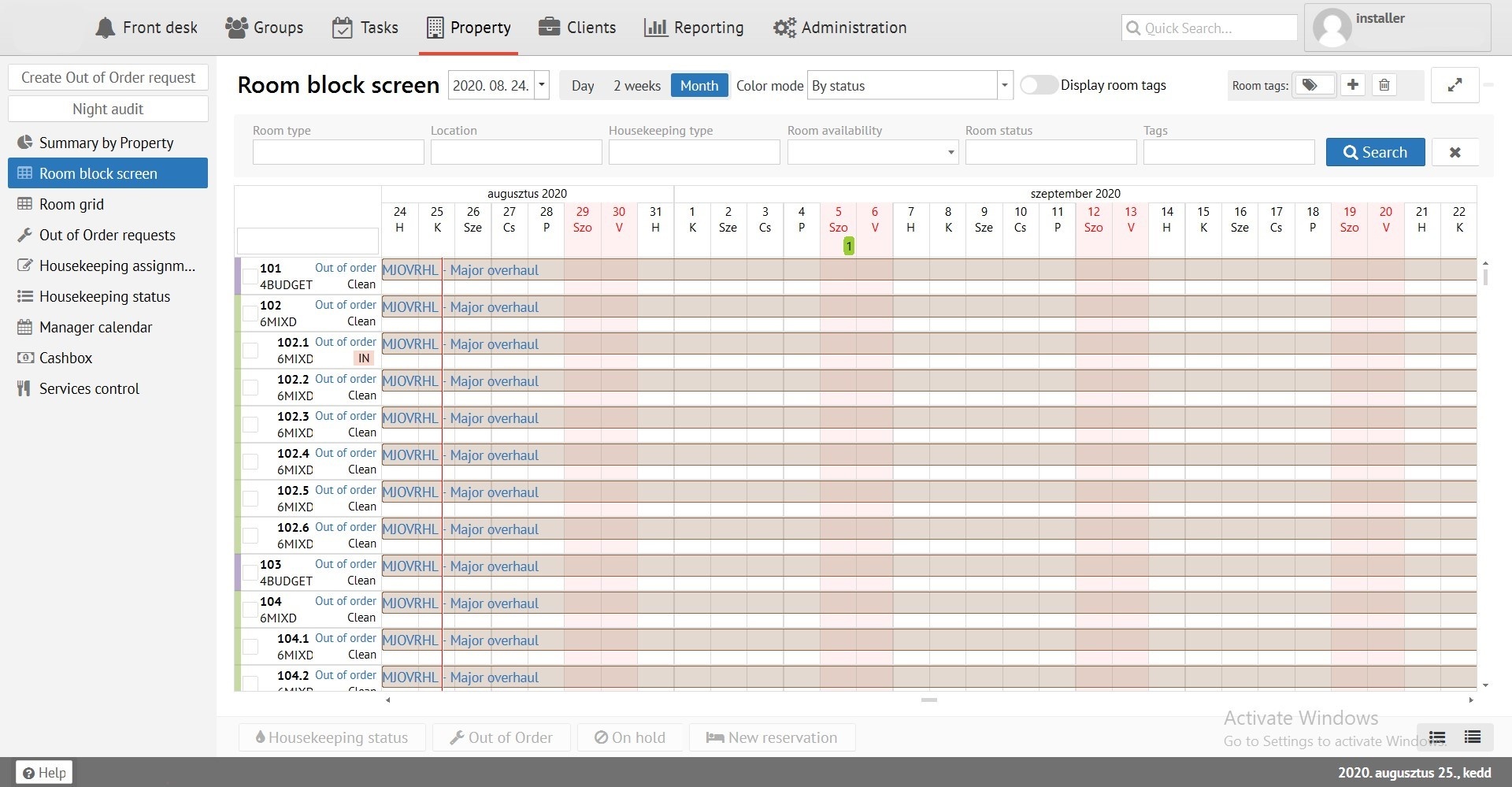
At the top you can find board with various sorting fields:
"Room type" - search by room type (Single, Double, etc)
"Location" - search by room location (1st building, 5th floor, etc)
"Housekeeping type" - search by type of room cleaning (Light cleaning, General cleaning, etc)
"Room availability" - search by room availability (available or occupied)
“Room status” - search by room status (dirty or clean)
"Tags" - search by tags (Bathroom, Shower, Wi-Fi)
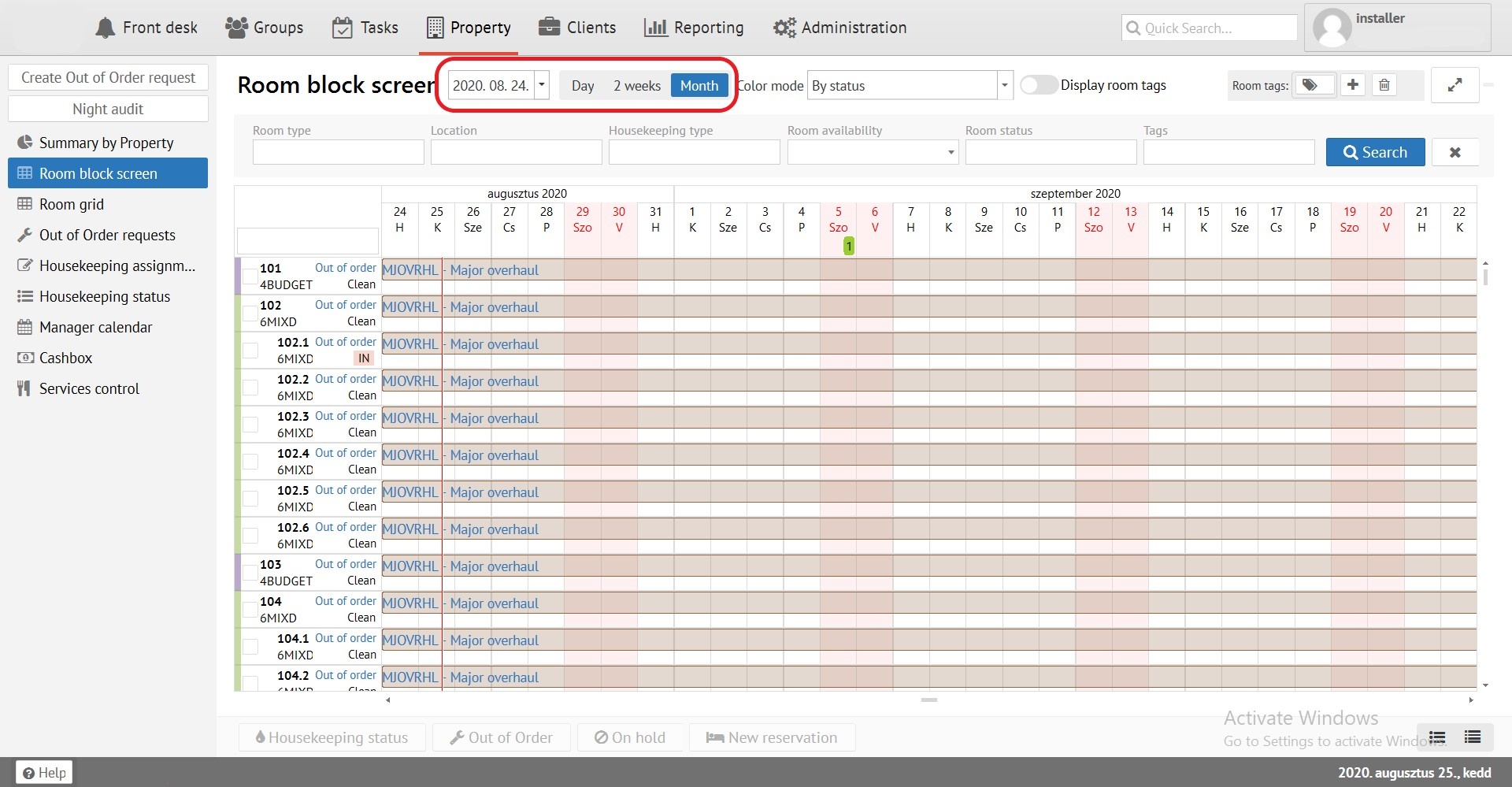
"Room block screen" can be displayed for Day, 2 weeks and Month. You can switch on blue tab. Also you can see button for choosing a date range to view the "Room block screen".
Reservations can be coloured by different colours, it depends on parameters, selected in "Color mode" filter. If you need to display rooms tags near the room number, press "Display room tags". You can also choose one or several rooms tags in filter.
Signs in "Room block screen":
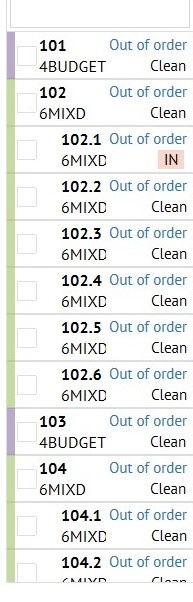
Room number - Room type - Available or Occupied - Dirty / clean. (Tags. Optionaly)
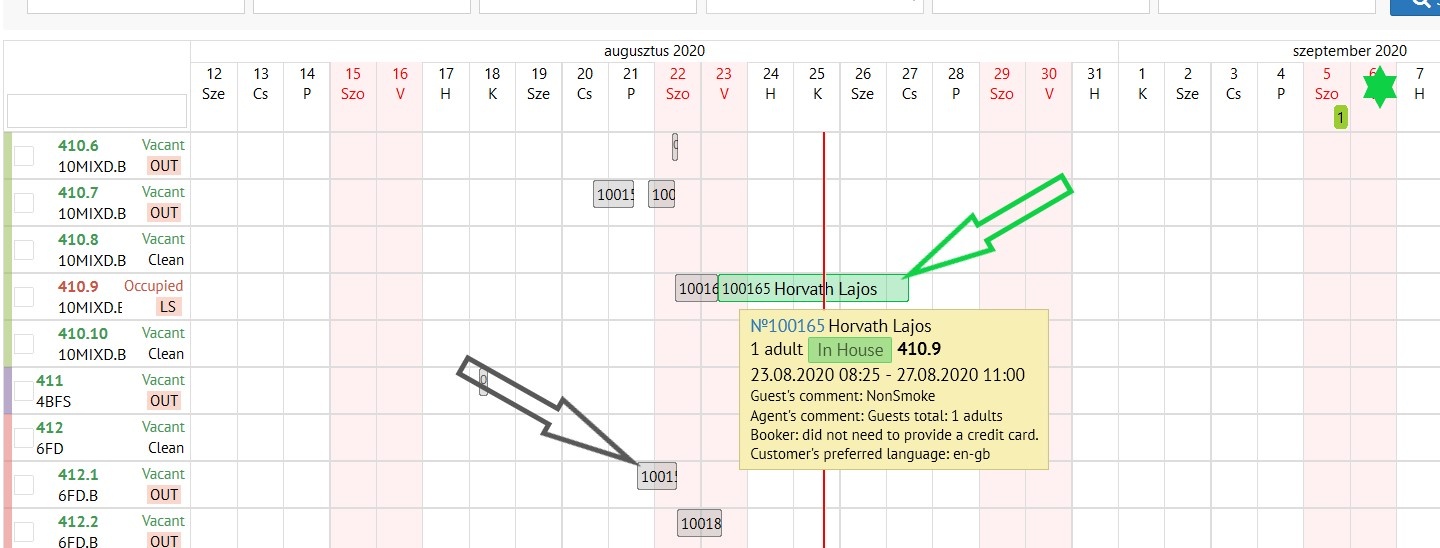
"Reservation" status is indicated in yellow.
"Check in" status is indicated in green.
“Checked out” status is indicated in gray.
Down "Room block screen" you can see following buttons:
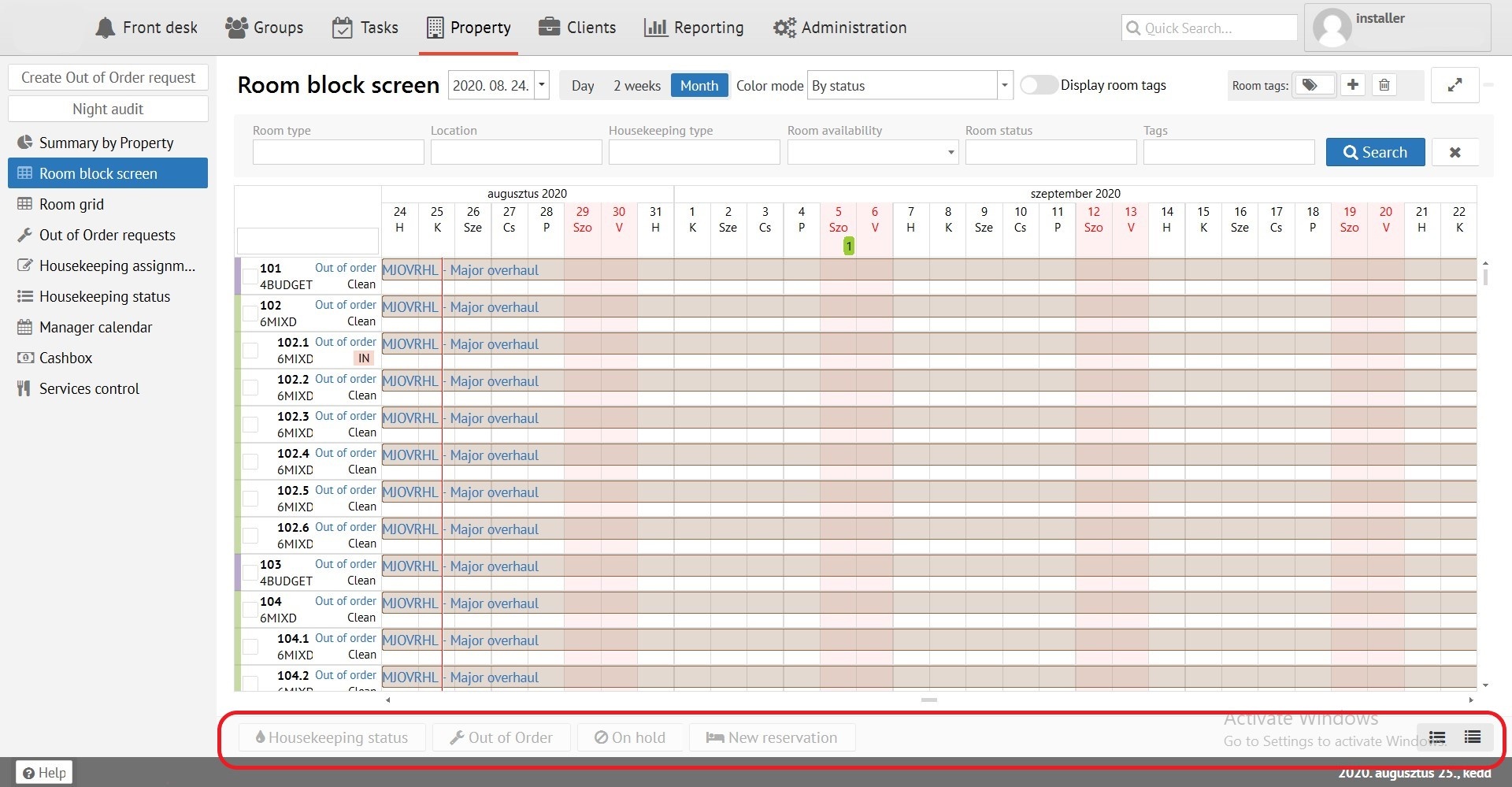
“Housekeeping status” - allows you to manually change the room status from dirty to clean.
"Out of Order" - allows you to put a room for a full renovation.
"On Hold" - allows you to set a room on hold ( repairs, room show).
"New reservation" - allows you to select and scroll dates for specific room and reserve.
 - Change line width of "Room lock screen"
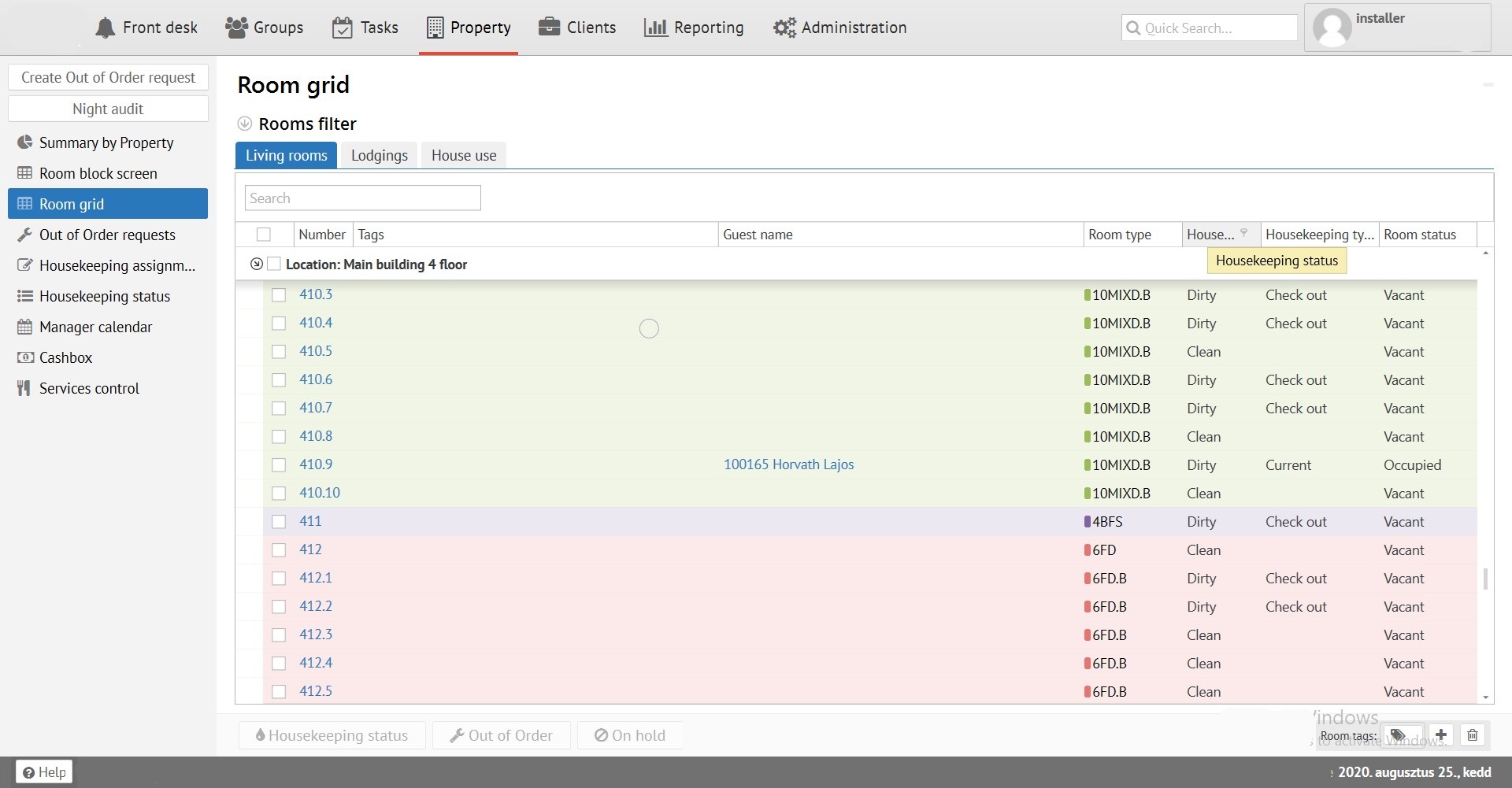
Room grid allows you to see actual status of rooms (Available or Occupied - Dirty / Clean - Status of cleaning). Also you can operate this division like a "Room block screen" in "Housekeeping, Out of Order, On hold".