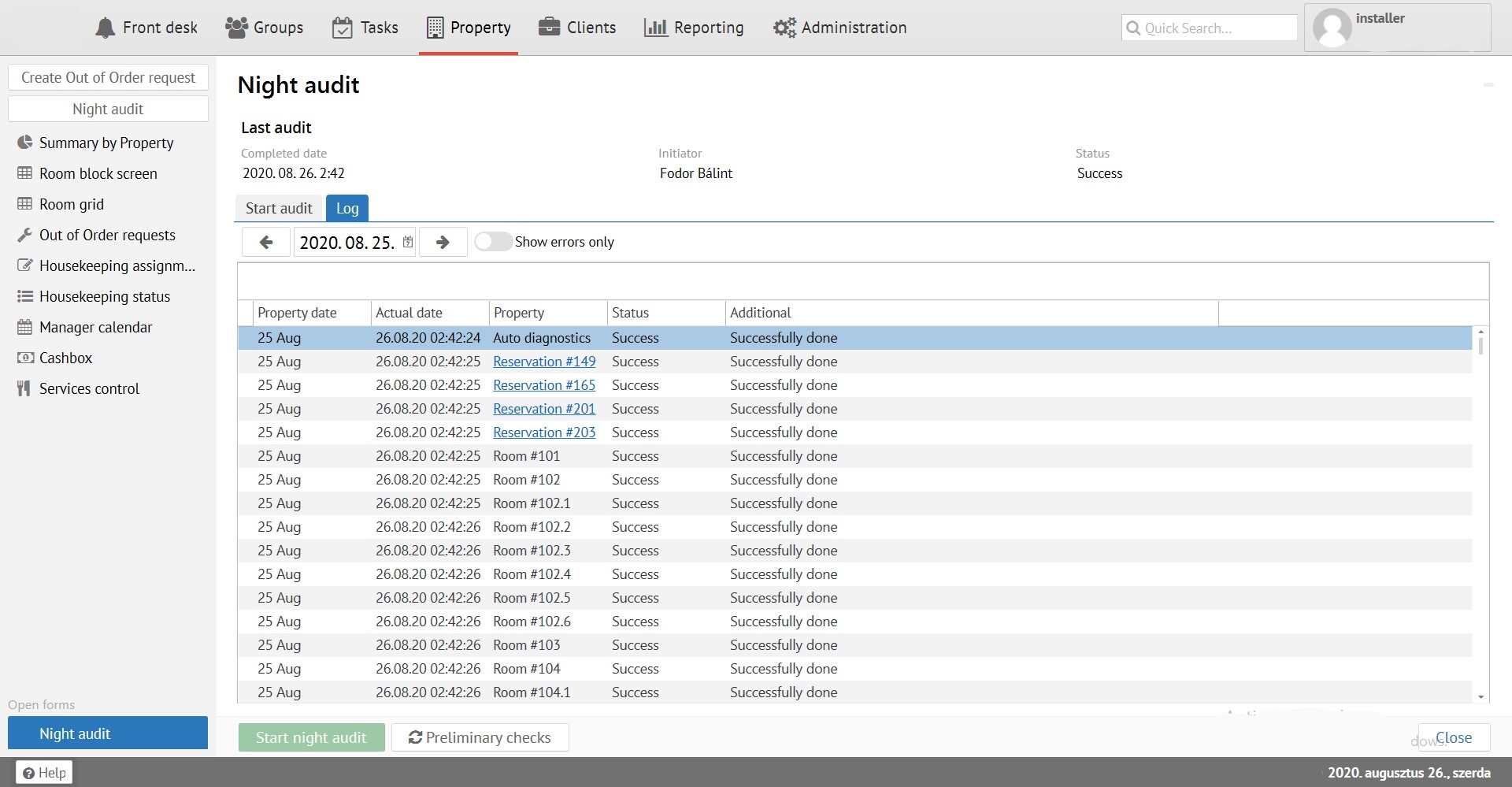
Night audit- process of converting date in the system which closes the hotel's business day.
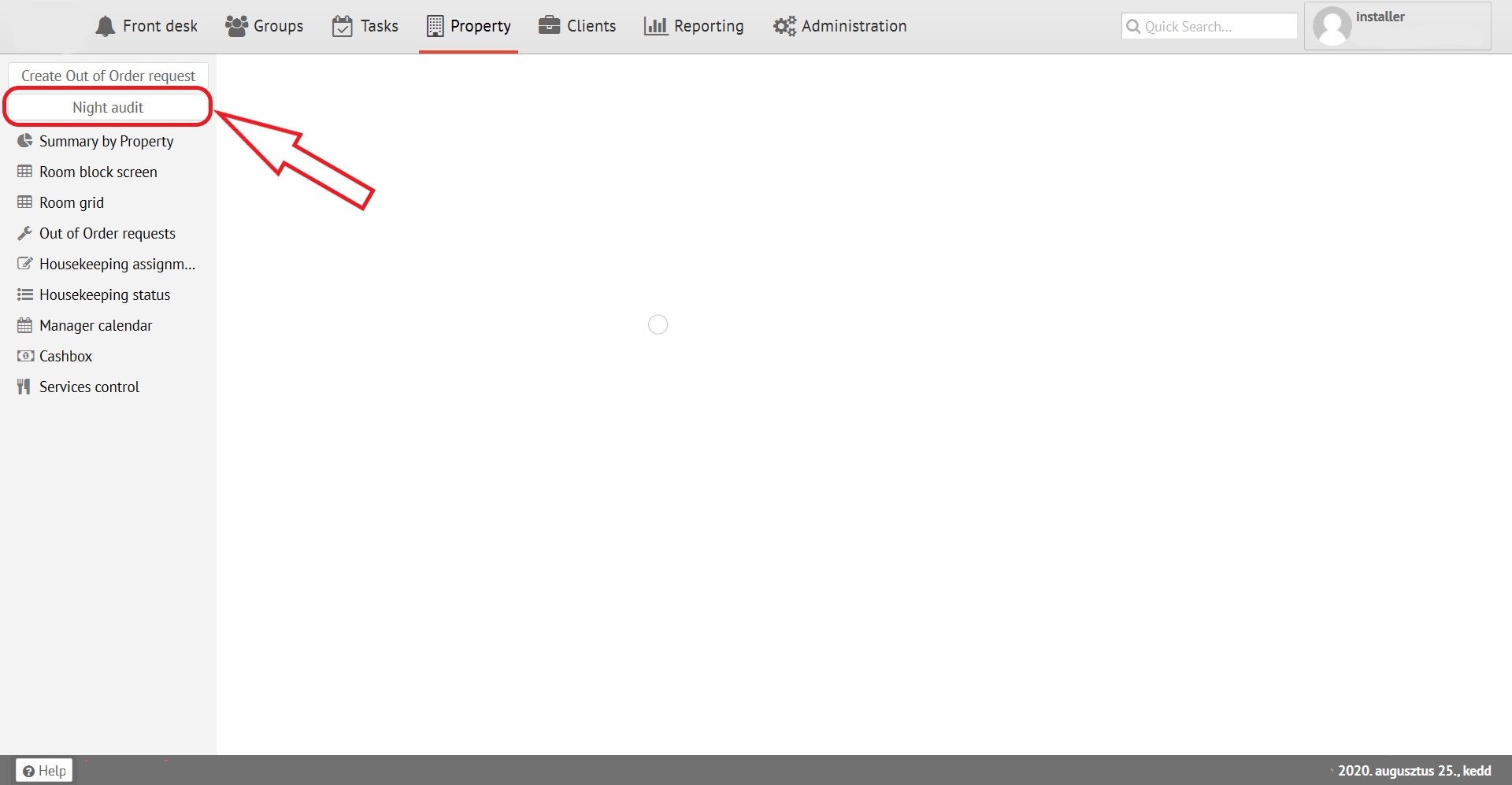
To start working with this function “Night audit” bottom need to be selected:
Preliminary checks:
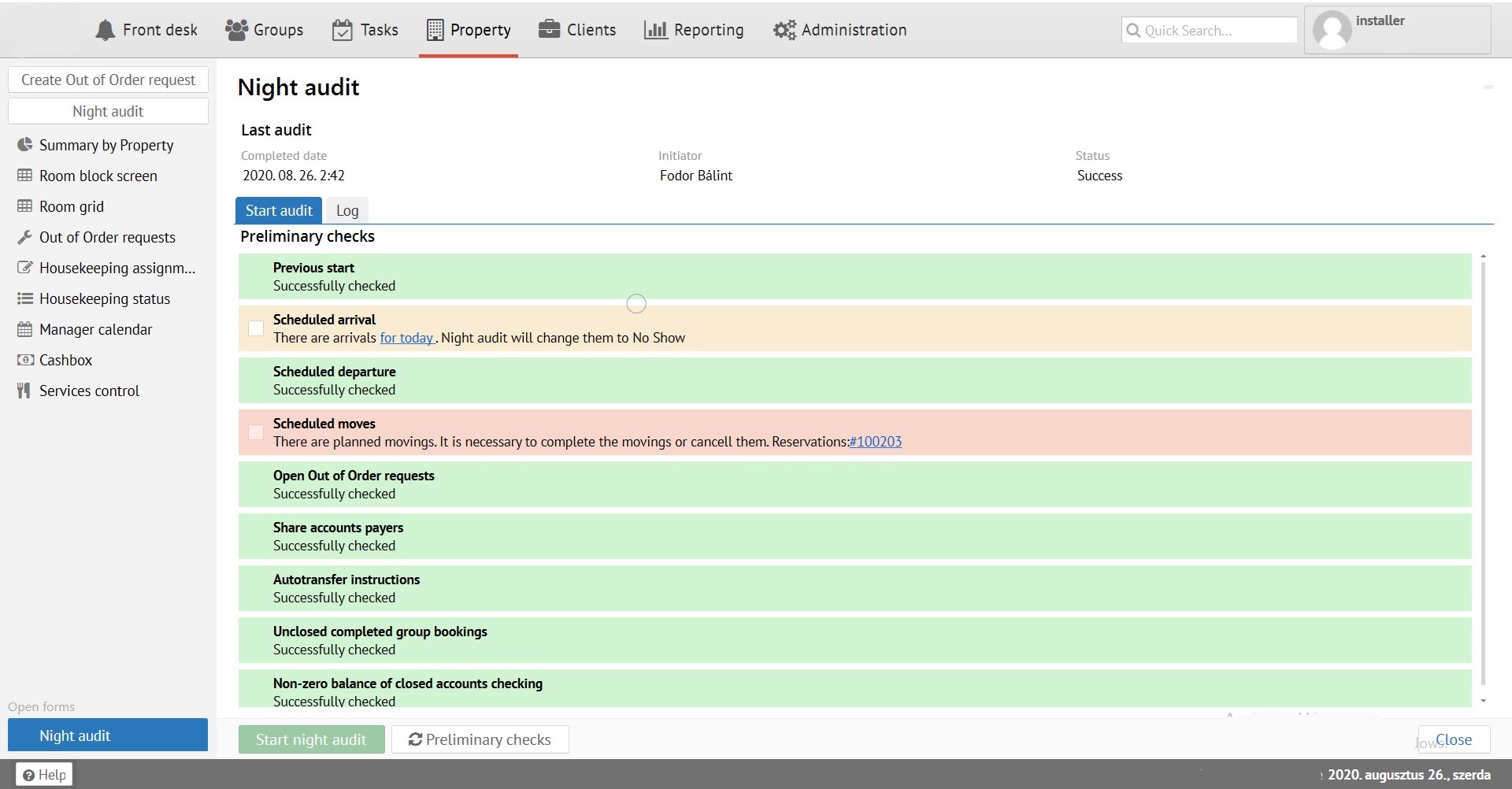
1) Field color green - means a successful audit check.
2) Field color yellow - warning (for example, if some unclosed repairs appears, the repair will close it later), it can be ignored by marking the box on the left.
3) Field color red – error. Meaning:
- there are some departures/check out
- there are reservations planned for arrival
- there are split bills where one guest paid, the other has not yet
- there are planned transfers
In these cases audit will not work.
After you fixed all errors please select button  . After all corrections will be done and all fields turn blue or yellow, you can start the audit by clicking the button
  .
.
The "Log" tab time and status of the last audit displays.