...
| Note |
|---|
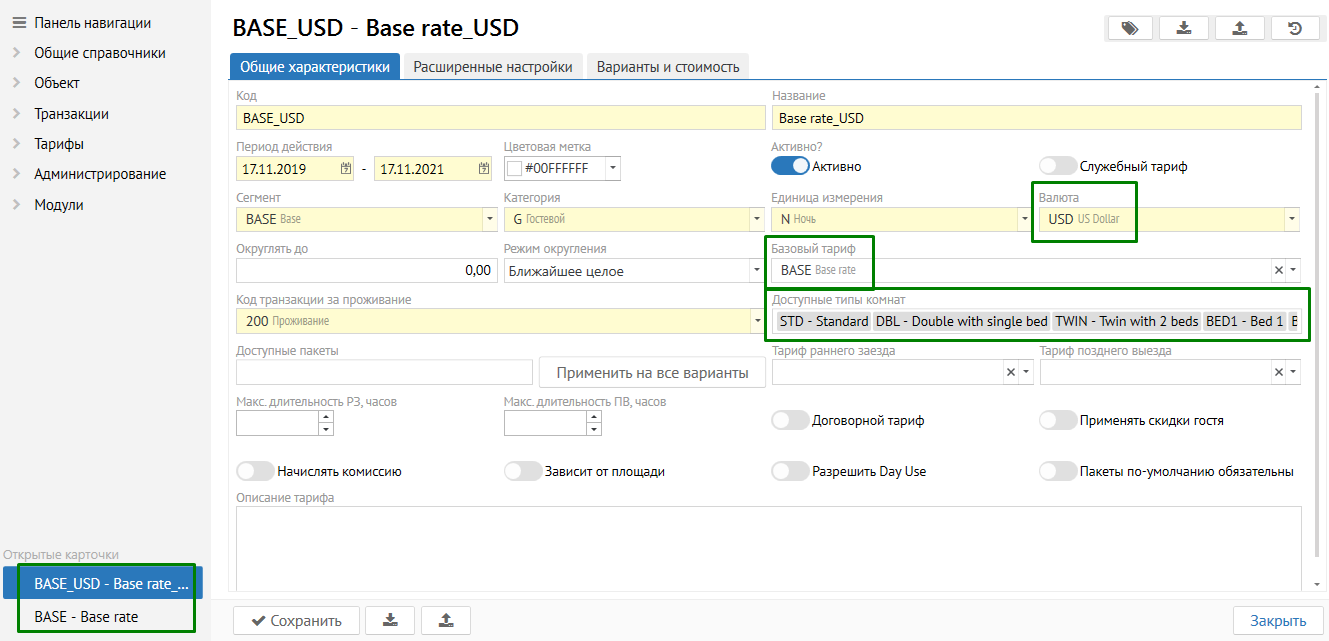
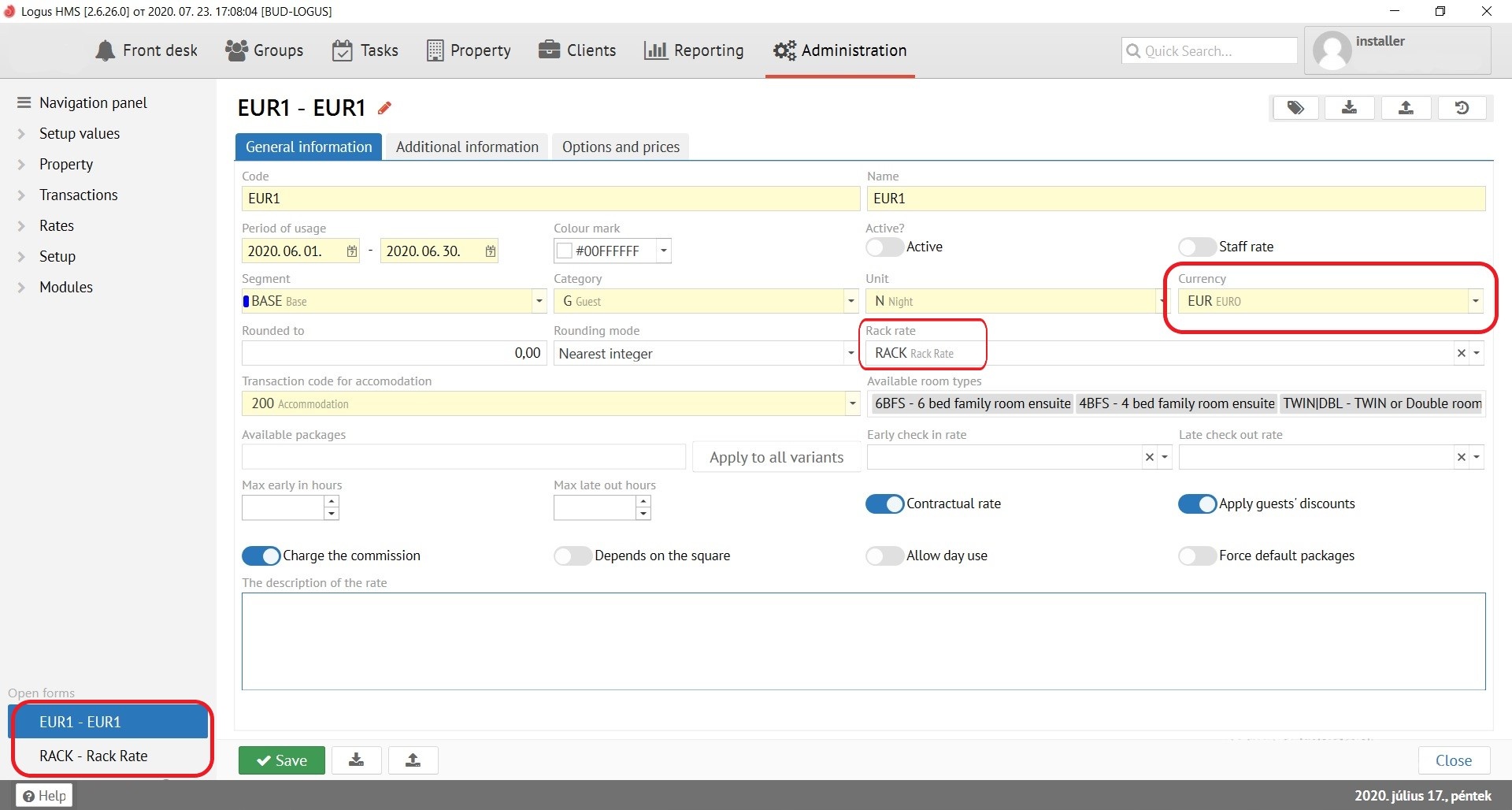
| Be sure to specify rounding rules for both rates. Otherwise local currency price might be differ from base rate. For example, in base rate (FUH), you can specify "Round to" 1.00, and for foreign rate (EUR), "Round to" 0.01. |
| Info |
|---|
Foreign currency rate is better to set up as a “Contractual rate” and use for specific Companies to avoid waste of time on prices loading for ordinary reservation. |
...
| Info | ||
|---|---|---|
| ||
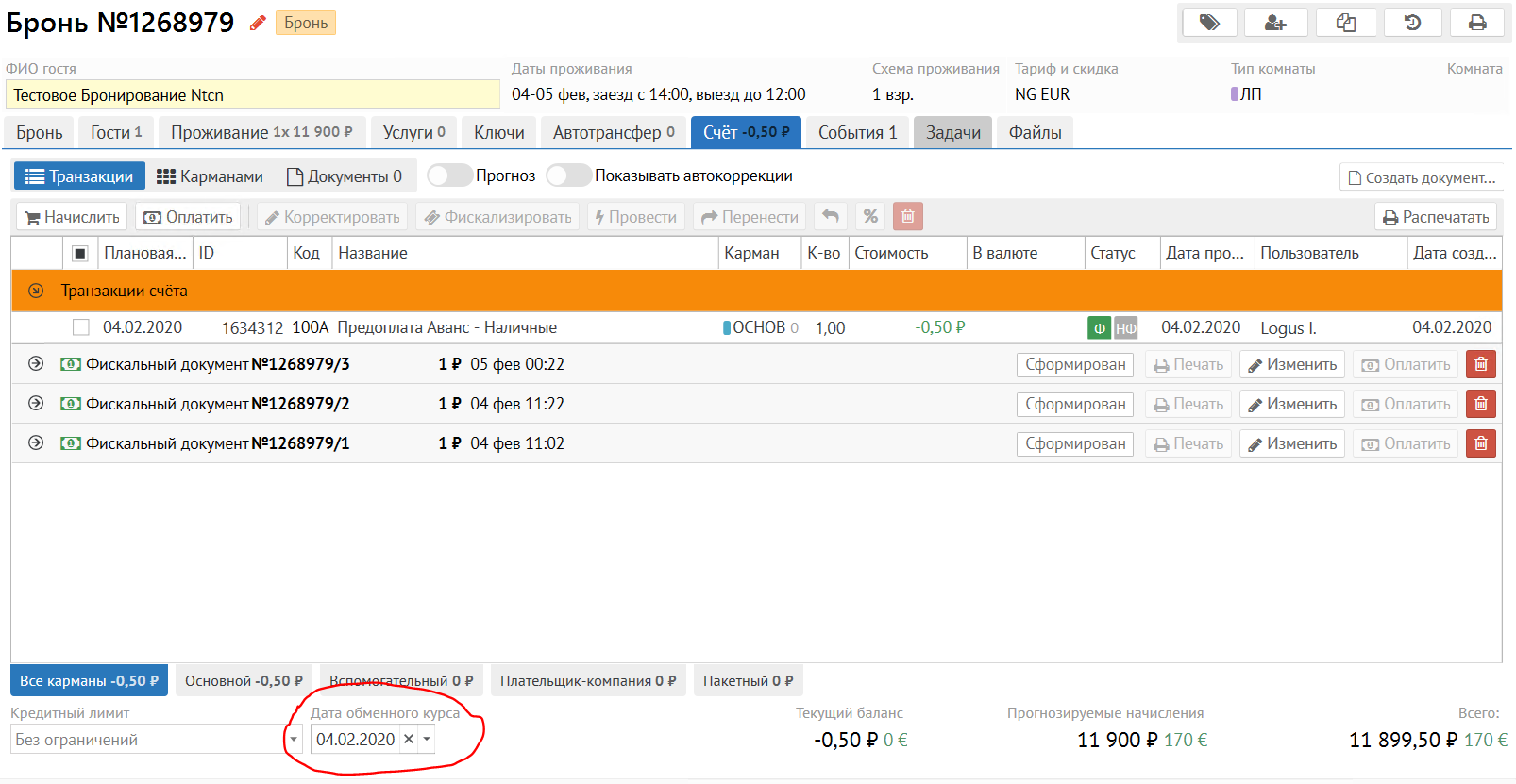
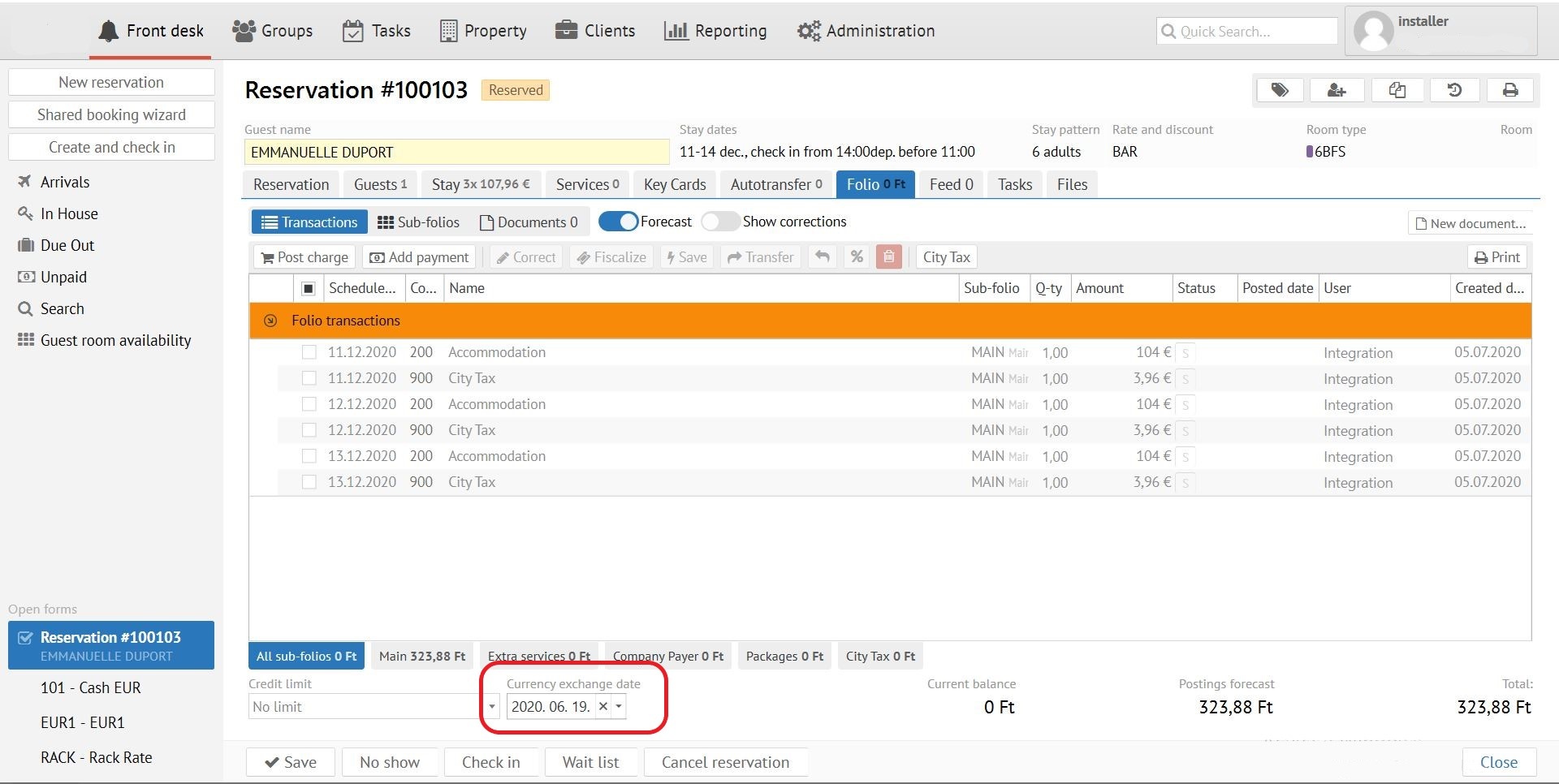
After date change go to tab “Stay” and recalculate reservation cost. After these steps save this booking. |
Exchange rates adding
...
| Info | ||
|---|---|---|
| ||
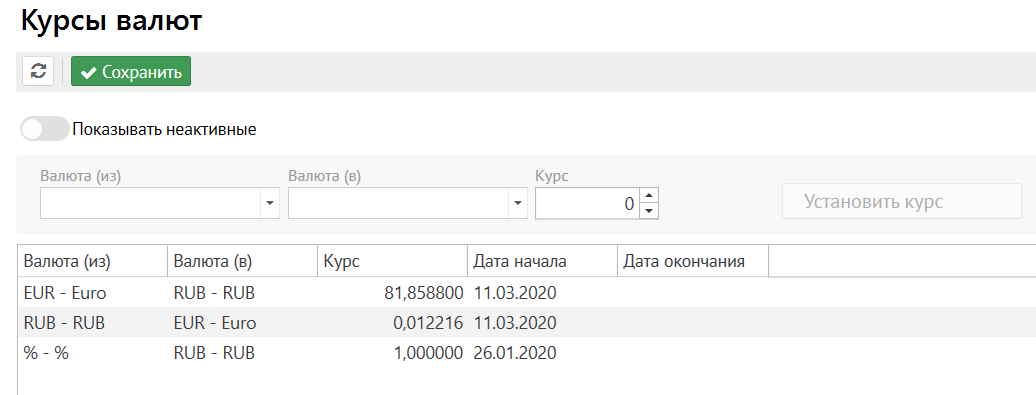
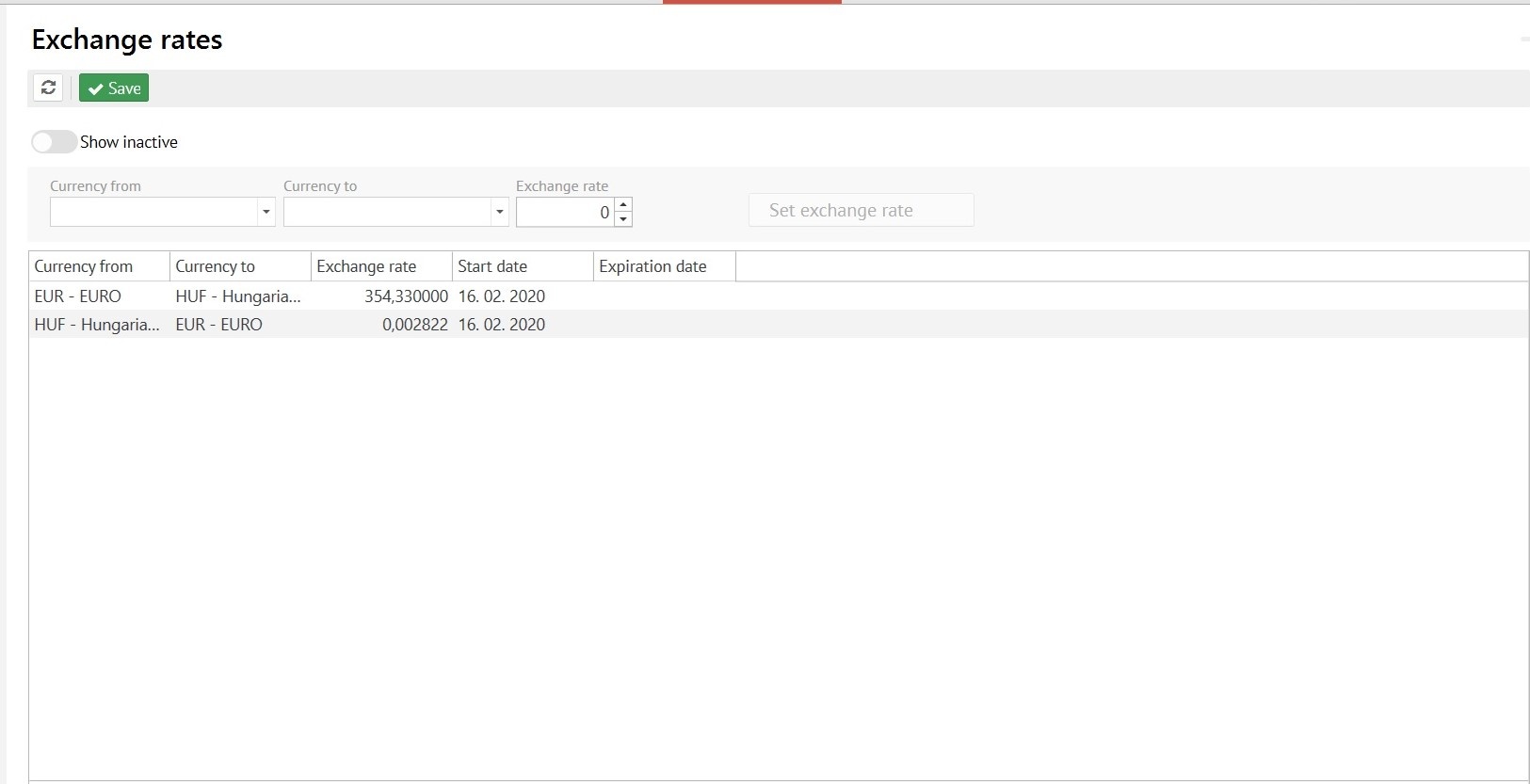
For foreign currency rats affected by base rate reverse exchange rate need to be set up. It can be calculated by the “1/rate” formula. |
Payment date
For payments with “Bank” or “Direct bill” types payment date can be chosen. It also affects on exchange rate date.
...
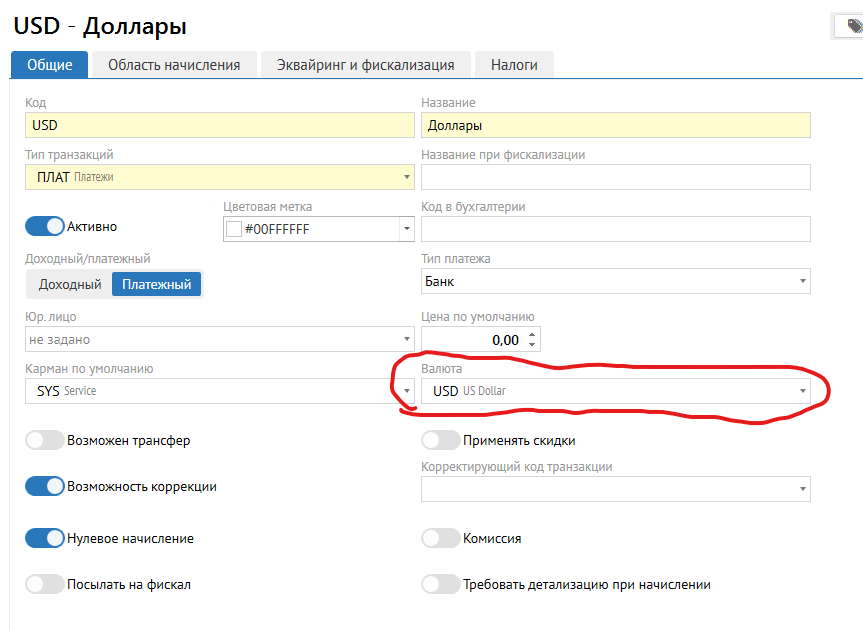
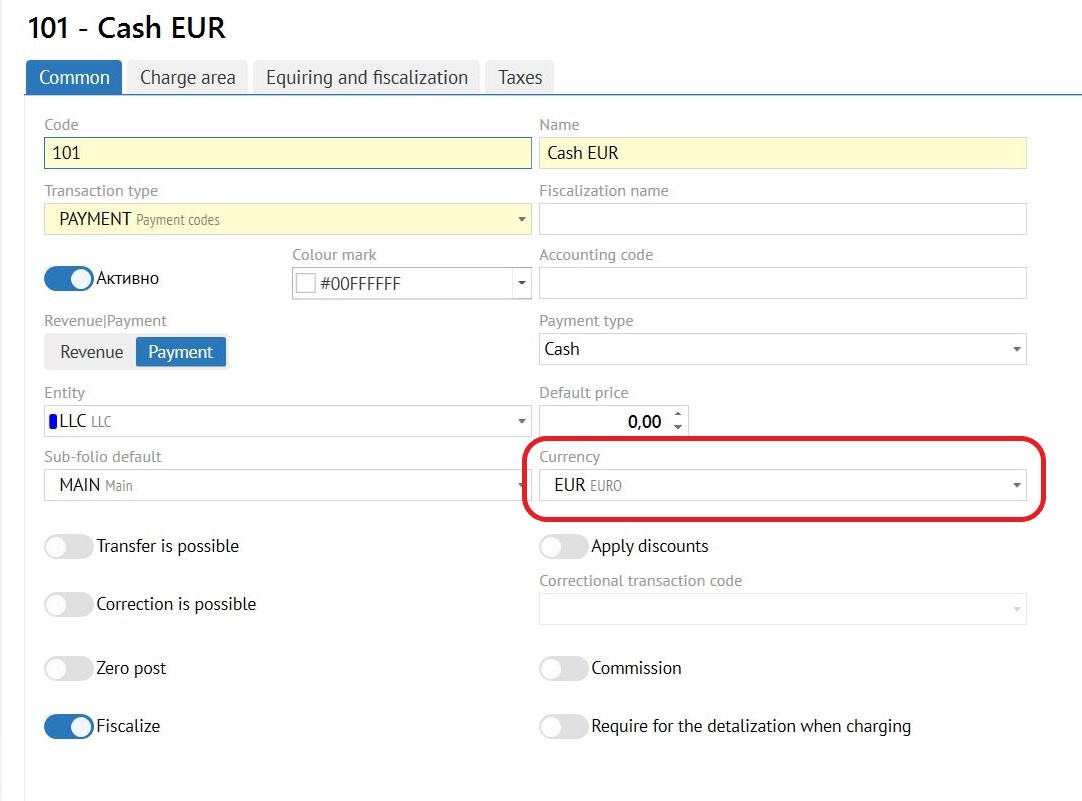
For foreign-currency payment possibility tab «Currency» has been added into "Administration Transaction code" settings.
Prepayment in foreign currency
Go to “Folio” “Add payment”, select the needed currency, select payment date (to fix the rate) and enter the amount of payment in currency.
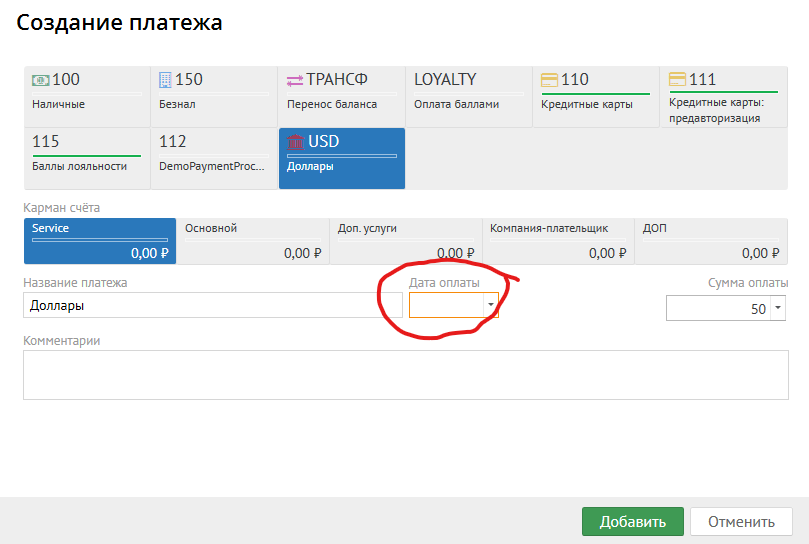
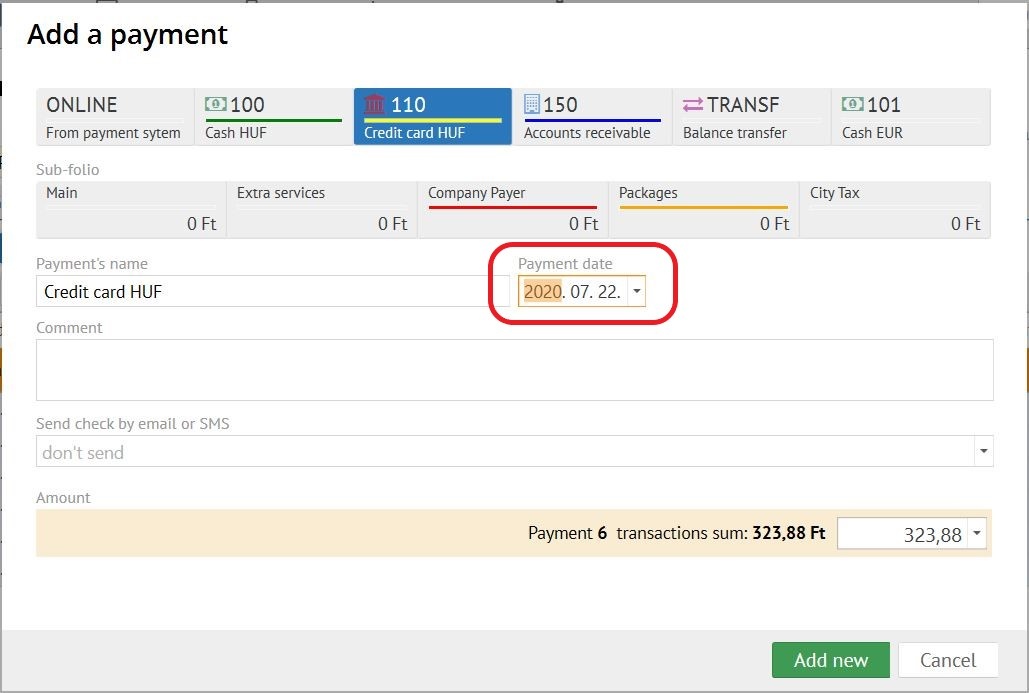
When paying with a transaction with a specified currency, follow the steps:
...